inPixio® One-Click Image Correction – PRO version only
Correction Patch
Photo Montage
“Text & Stickers” tools– PRO version only
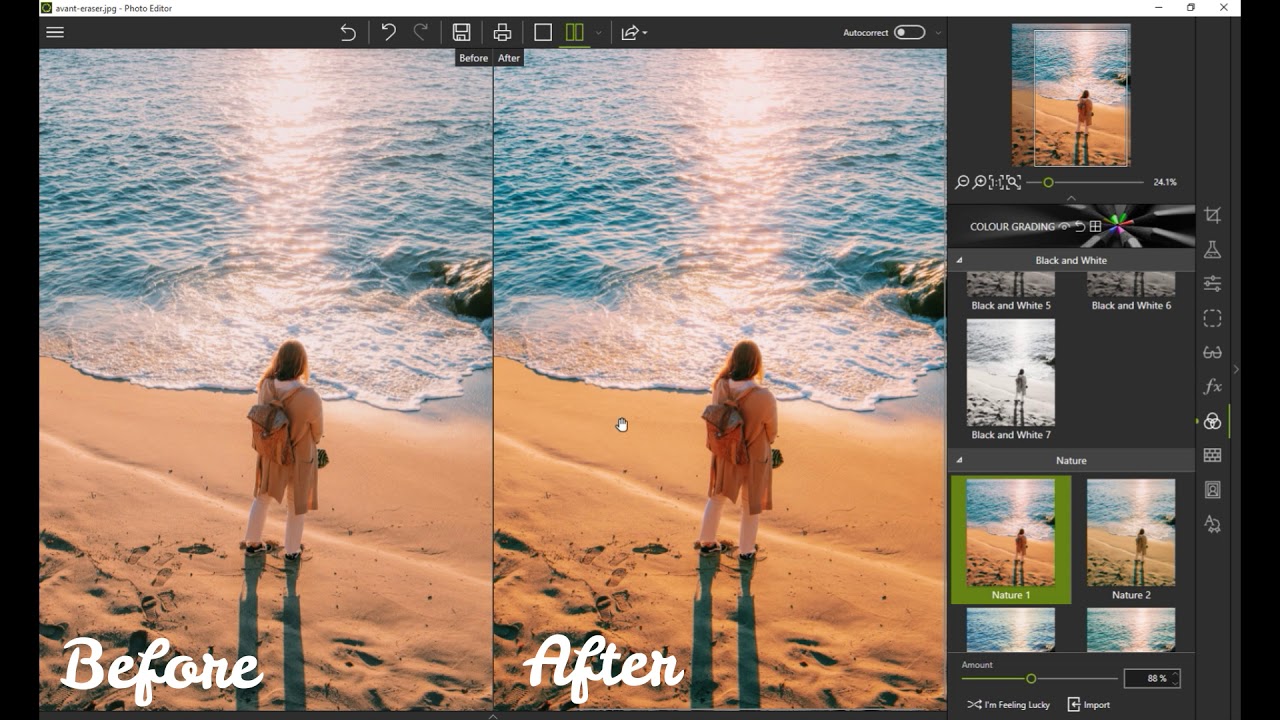
Color Effects (LUT) – PRO version only
Automatic Red Eye Correction – PRO version only
+30 Support videos
90° Rotation and Symmetry
User guides
Speed and performance
Ergonomics
New visual identity
Textures & backgrounds for your Montages
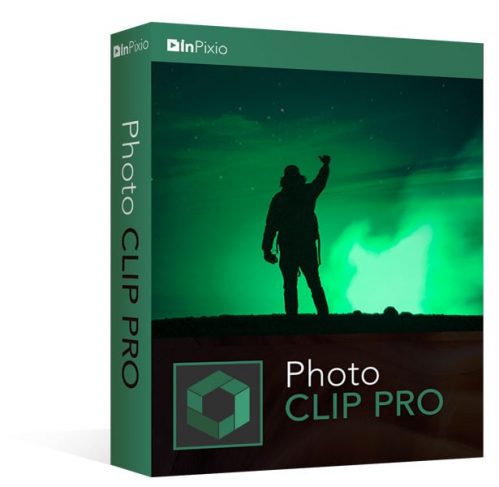
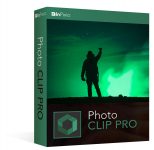
Everywhere we go, whether it’s on vacation, out for dinner, or just down the street to the park, we are constantly trying to snap those perfect shots. We all want to have pictures that we are proud to put on display or send to family members, yet so many times the photos we take have unwanted background images that we are stuck with forever. Everyone has a photo with that stranger in the background, a car driving by, or house behind us under construction. Wouldn’t it be nice to be able to take those unwanted images completely out of your picture, erase your entire background, or even change your background to make it look like you are somewhere else? Well now you can do it all quickly and easily with InPixio Photo Clip Professional.
InPixio Photo Clip Professional is an easy to use, digital photo editing package that allows users to remove unwanted objects from photographs and then fills in the missing background for a seamless, beautiful looking finish. From cutting out objects to editing or retouching details, changing colors in areas of an image, creating highquality photo montages or intelligently optimising images with one-click correction
How to Install
On this offering box, click on the BUY NOW button and you will go to the registration page
The registration page is in German, you may need a translator On the registration page, fill in the form with the required data and click on the button ‘Hier erhalten Sie Ihre Seriennummer’
The confirmation email will be sent to your email address Open the confirmation email and click the link to get the license key
Download the software from here: https://shrsl.com/2v2e0
Once downloaded, install it & launch the program after installing it
Use the license key you’ve got to activate the full version! Done.


 yooffers