yooffers
 Emergency Boot – Review Looking for a way to copy files from your computer, even non-bootable ones, to an external USB thumb drive or USB HDD. Emergency Boot This tool helps you back up and restore files without Windows. it can also create, format, delete and delete partitions and can back up partitions to image files, restore them back, & copy partitions to partitions
Features
- Copy files from your computer, even non-bootable ones, to an external USB flash drive or USB HDD.
- Save your data in emergency situations when Windows is no longer booting.
- Supported file system types- FAT, NTFS, EXT2/EXT3, ISO9660, UDF, & BSD UFS
- Built-in editor & viewer for text files can handle multiple ANSI/OEM & UTF-8/UTF-16 encodings
- Reset Windows password
- Remove forgotten or lost Windows password,
- Unlock your Windows user account & restore access to your PC
- Fix various boot-related issues reassigning & repairing missing drive letters (mount points), including C- disk, in Windows installation
- Easily edit boot menu (boot.ini from NTLDR & BCD from Bootmgr); fix boot record & active partition flag.
- Create partition, back up partition to image file, back up partition to image file, restore partition from image file, edit partition metadata
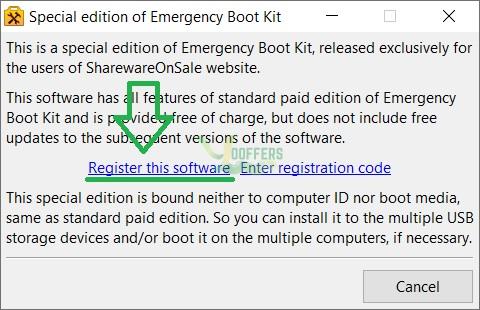
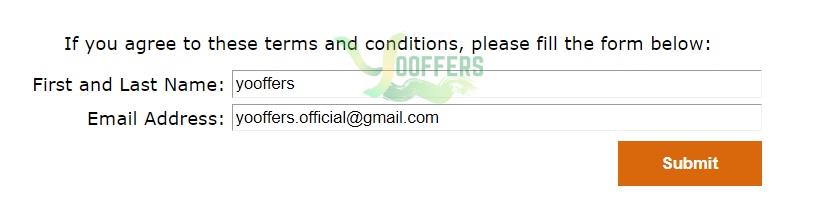
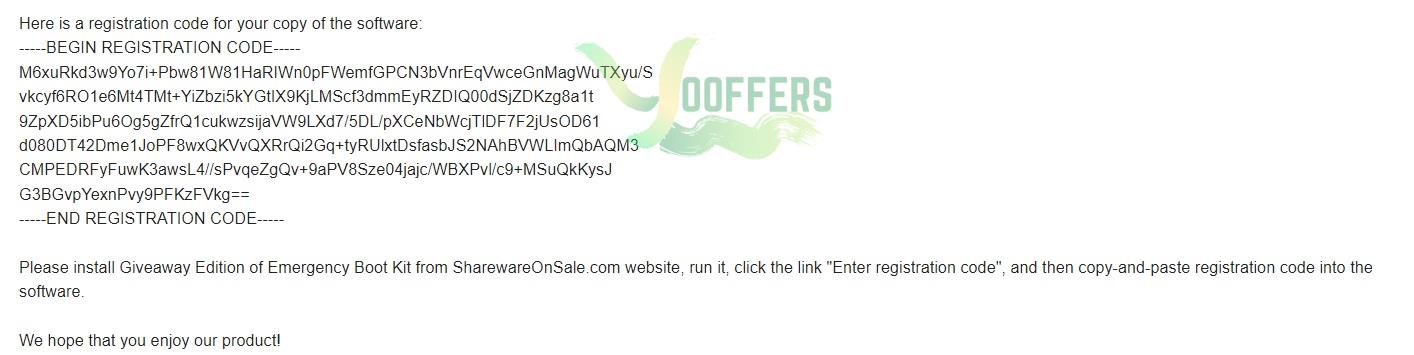
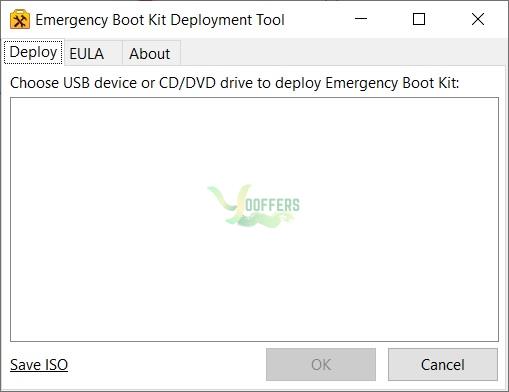
- Download the giveaway installer for Emergency Boot Kit version 1.6p
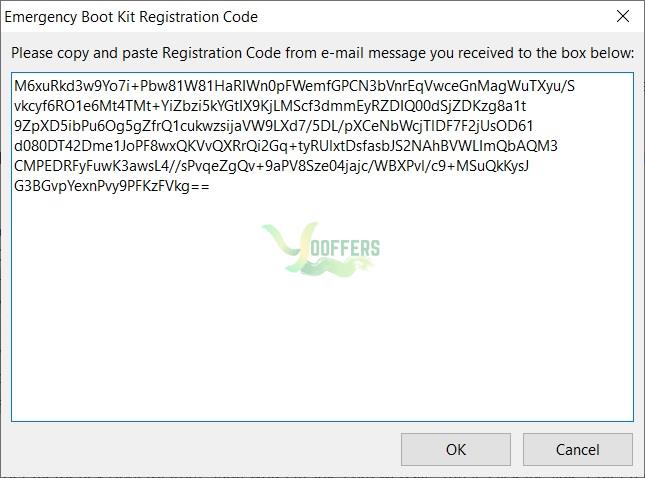
- Run the installer and “Register this software”
- Receive the free license key in your mailbox.
- Click on the “Enter registration code”
- Copy and paste the license key
- Done!
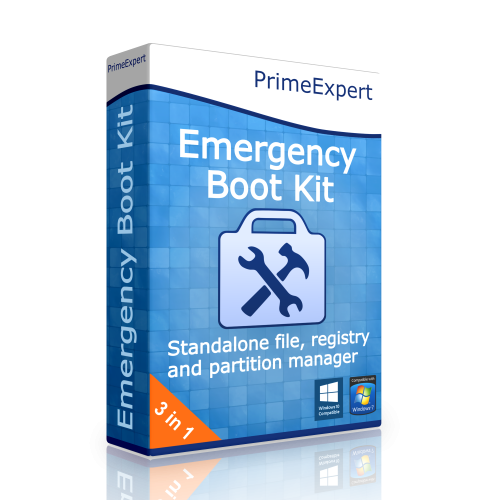
Emergency Boot Kit
$0
$49.95
PrimeExpert
Lifetime license for Emergency Boot Kit version 1.6p
Non-commercial usage
No free updates and tech support
Can’t be registered for new devices after the promotion is over
Non-commercial usage
No free updates and tech support
Can’t be registered for new devices after the promotion is over