Description
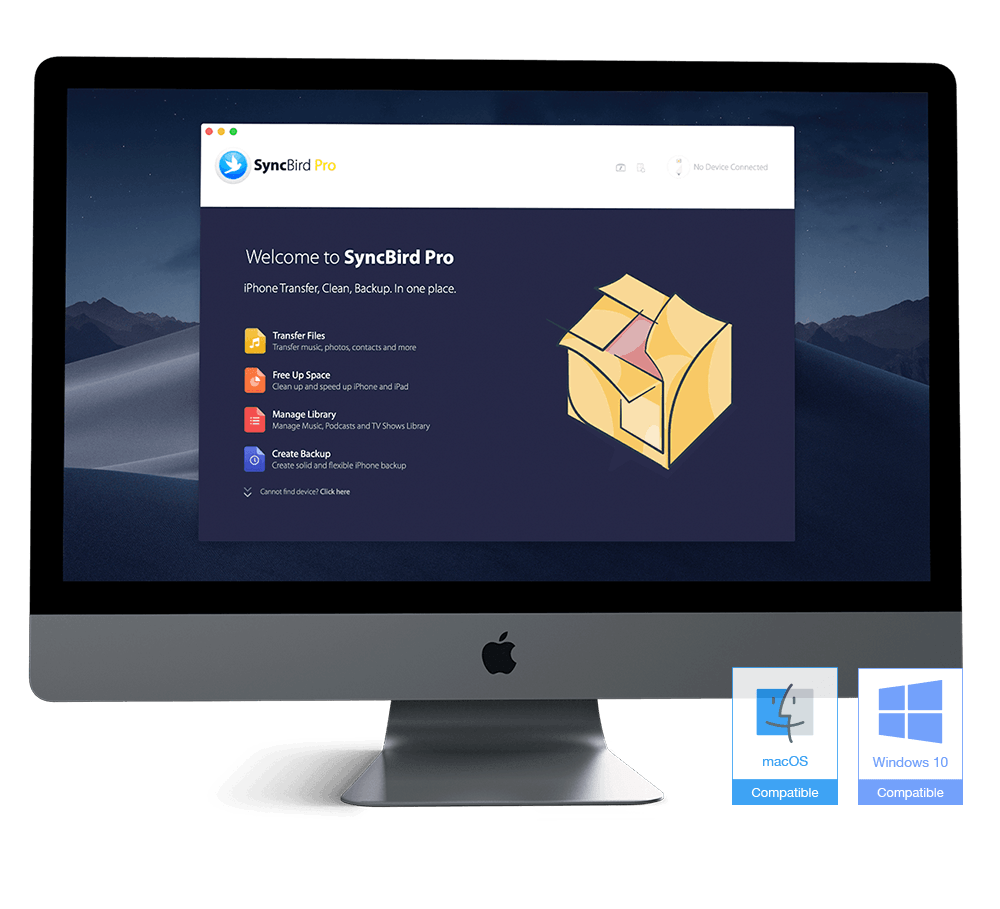
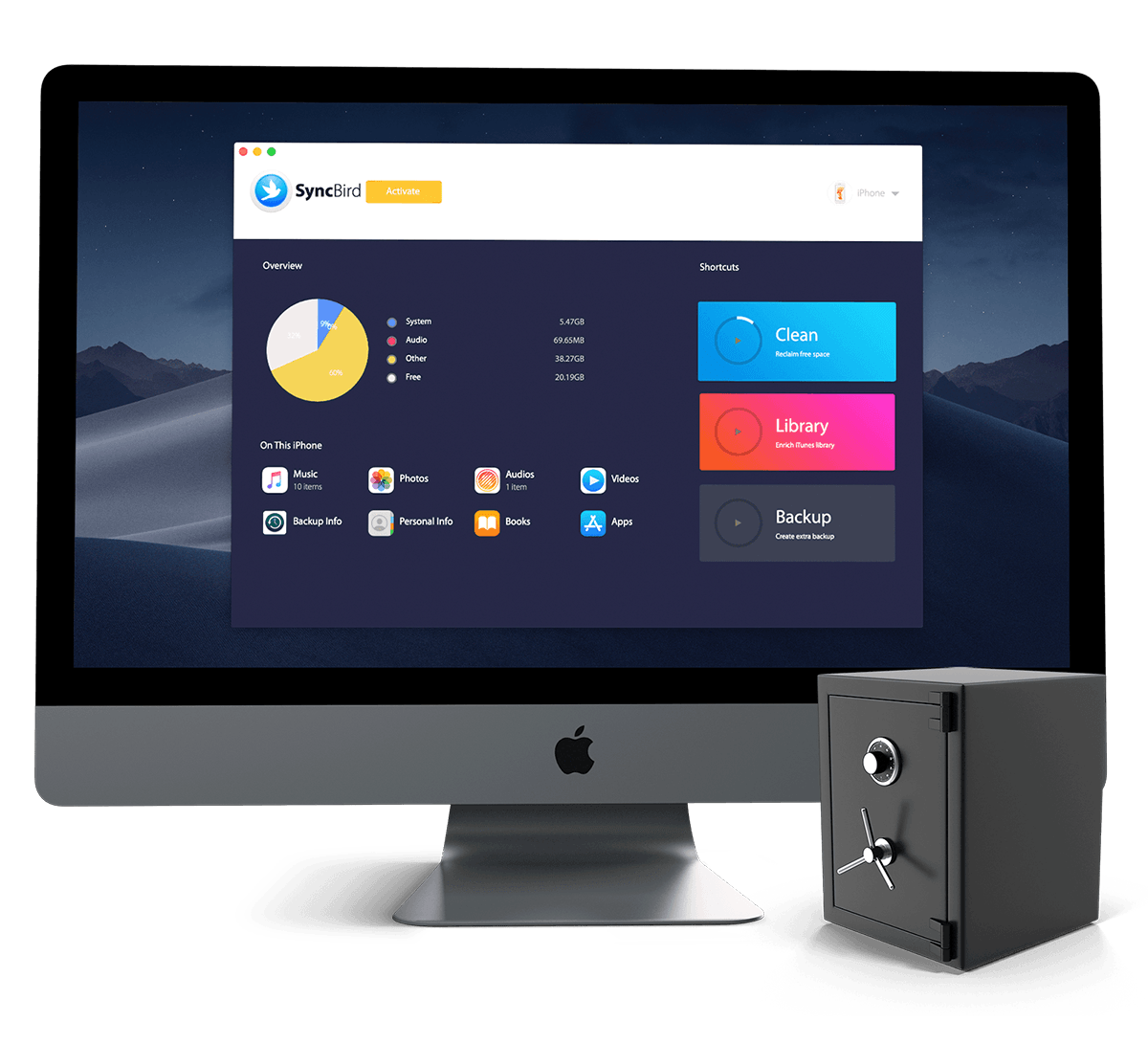
Professional and agile iPhone, iPad, iPod file manager software that comes to give you a better Apple device experience. Transfer music, playlists, photos, videos, books and everything between your iPhone, iPad, iPod, and Mac without iTunes.
Two exclusive features named PhoneCare and TunesClean are made to reclaim more free space on your iPhone and iTunes. Without the need for extra effort, SyncBird will give you deep-going cleanup so that you’ll be always free from the storage boundary.
Simply The Best iPhone Music Transfer
SyncBird Pro comes as perfect iTunes alternative that are truly essential for your iPhone, iPad and iPod music management. No matter your music are burned from CDs, downloaded from Internet, or recorded on your own, SyncBird Pro can help upload your music to your iPhone, iPad or iPod from any iTunes library, on any Mac or PC Windows computer.
Manage iPhone Photos & Videos Like Pro
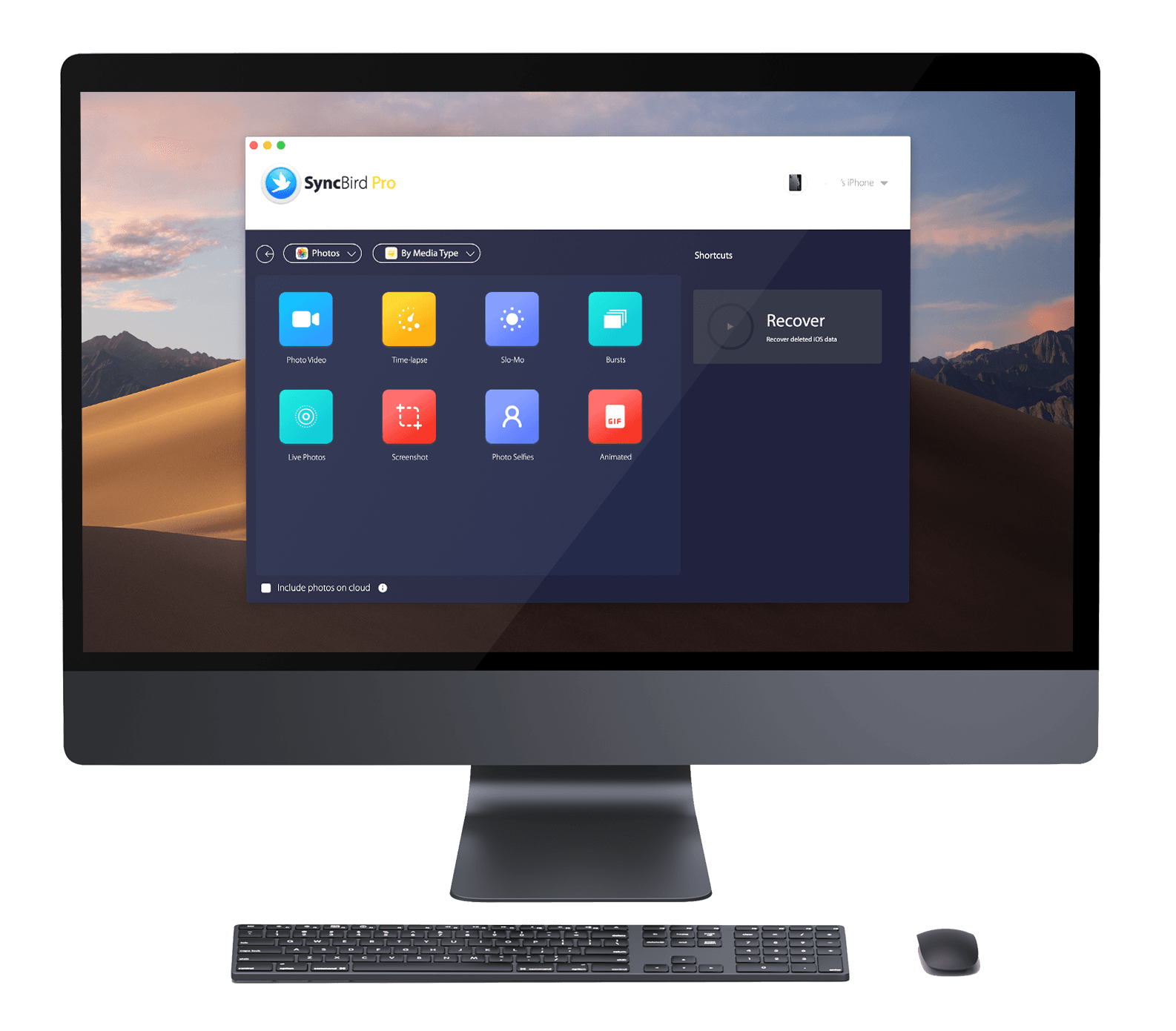
In iTunes, the functionality for syncing photos and media files to and from iOS Devices is obsolete or not even available. So let SyncBird Pro offer an easy way to share photos, videos, podcasts, TV Shows, iTunes U, eBooks, ringtones and other media files between the PCs, Macs and your iOS devices. You can browse, add, eidt or remove your files just like doing in Finder.
Manage All Your iOS Personal Data
If your iPhone data really counts in your life, you should have a try with these premium and exclusive features in SyncBird Pro. Except all benefits brought to you by SyncBird, the Pro version can manage your Contacts, Notes, Reminder, Safari history and bookmarks, VoiceMail and probably all important personal data on your iPhone, iPad and iPod touch.
Perfectly Sync iOS Content Between iPhone & Mac
Syncing iOS content with iTunes is one-way ticket and you have no option to manage your iOS content as the way you want. SyncBird Pro comes as a game changer, which allows you to transfer your music, photos, videos and all your iOS content between any of your iPhone, iPad, iPod and PC/Mac computer.
Transfer iOS Data from One iPhone To Another
In iOS 13, the Quick Start is a neat trick that makes setting up your new iPhone X or iPhone 11/iPhone 11 Pro easier. But it doesn’t include the media content on your computer and it works exclusively for devices using the same Apple ID. The new SyncBird breaks this law and gives you an instant method to transfer all your music, photos and videos between any of your iPhone, iPad and iPod.
Backup your iPhone. The way you want.
Think iTunes and iCloud backup is suffice to keep your iPhone data safe? Probably you need extra methods that can put your archived iPhone backup copy on an external hard drive. Besides, neither iTunes nor iCloud backup include the media content on your iPhone, such as your music library, imported photos and the movie collections on your device. While with SyncBird Pro, you can back up your iPhone, iPad, iPod touch the way you want.
Browse Your iOS Data from iTunes Backup
If you back up your iPhone, iPad, or iPod touch in iTunes, you’ll have a copy of your information to use in case your device is ever replaced, lost, or damaged. However, these archived data are only accessible when you restore your device from previous backup. SyncBird Pro can give you instant accesses to your iPhone backups so that you’ll be able to export particular iOS data you want, like your messages, contacts, notes, Safari history, bookmarks, etc.
Clean Junks & Free Up Space on iPhone
Do you feel this is familiar: you’re snapping pictures or getting ready to download a new game, and you get that dreaded message warning you that your storage is almost full.
The PhoneCare feature in SyncBird Pro has you back by cleaning up Downloaded Temp Files, iTunes Radio/Artwork Caches, Photo Junks, Orphaned App Leftovers, etc. The result is you’ll be able to reclaim dozens of gigabyte storage, without deleting anything useful on your device.
Specification Features
- Transfer iPhone & iPod Music without iTunes
- A simpler and more focused iTunes alternative
- A truly essential to your iPhone, iPad and iPod music management.
- Upload burned music from CDs, downloaded music from the Internet, or recorded audios to your iPhone, iPad or iPod from any iTunes library, on any Mac computer.
- It doesn’t overwrite existing songs on your device.
- Manage iPhone Photos & Videos Like Pro
- Syncing photos and media files to and from iOS Devices
- Share photos, videos, podcasts, TV Shows, iTunes U, eBooks, ringtones and other media files between the Mac and your iOS devices.
- Browse, add, edit, or remove your files just like doing in Finder.
- Perfectly Sync iOS Content Between iPhone & Mac
- Rebuilt Your iTunes Library from Scratch
- Recover or fix the bad iTunes and access your iTunes media once again.
- Transfer iOS Data from One iPhone To Another
- Create Custome Ringtones
- Convert Video for iPhone iPad: .avi, .mkv, .mov and up to 20 incompatible video formats
- Browse Your iOS Data from iTunes Backup
- iOS Personal Data Manager
- SMS/iMessages,
- Contacts,
- Notes,
- Reminder,
- Safari history and bookmarks,
- VoiceMail
- Etc.
- iTunes Backup Extractor
- PhoneCare feature – Clean Junks & Free Up Space on iPhone
- TunesClean feature – Slim Down Bloated iTunes in One Click
- Create Solid and Flexible Backup for Your iPhone
- Flash Sync – Optimized for Flash/SSD storage and with instant Add-to-iPhone feature, SyncBird offers better iOS content management experience.
- 4K Support – A10 chip and M10 coprocessor give a monster performance on 4K video playback.
- Auto Conversion – Whatever movies you like, this software helps trans-code your videos to .m4v, .mp4, and .mov formats, which suit best on Apple devices.
- Two-way Sync – Transfer music, videos, photos and probably all your iOS content, to/from your iPhone and iPod. Free your devices from iTunes limits.
- Unlimited Import – Add new songs and movies to your iPhone, iPad, and iPod from multiple iTunes libraries on different computers.
- Drag-n-Drop – The most straightforward way to populate your iPhone media library is by dragging and dropping.
How to install
- In this offering box, click on the BUY NOW button
- You will visit the giveaway page by MiniCreo.com
- In this giveaway page, click on the DOWNLOAD NOW button to start downloading the program
- Once downloaded, install it & launch the program
- Use the license key from the giveaway page to activate the software:IO3F-UIDI-T4J6-CVV3-4WM4-CDZL
- Done.
System Requirements
- Supported iOS: iOS 11 beta 4 and all earlier iOS versions.
- Supported iPhone Models: iPhone 7 / iPhone 7 plus and all earlier iPhone models.
- Supported iPod Models: iPod Touch 6 / iPod nano 7 and all earlier iPod models.
- Supported iPad Models: iPod Pro / iPod Air / iPad mini 4 and all earlier iPad models.
- Runs on macOS 10.8 and above versions.
- Compatible with all versions of iTunes including the latest iTunes 12.6.2.20


 yooffers