
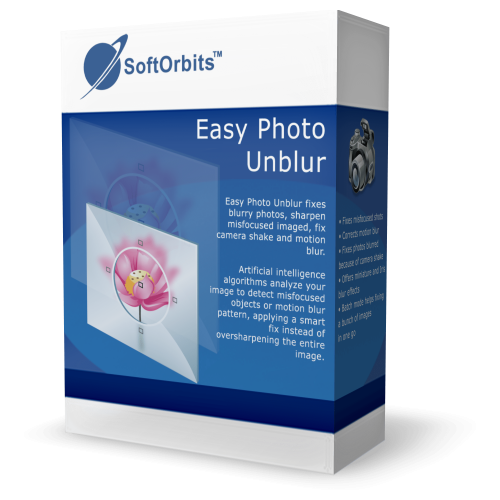
Nothing is more painful than throwing away a unique photo because of a slight focus error. A missed opportunity? Not if you use Easy Photo Unblur! With artificial intelligence algorithms, SoftOrbits Easy Photo Unblur 4 analyzes your image to detect misfocused objects or motion blur pattern, applying a smart fix instead of oversharpening the entire image.
This Photo Unblur uses a handshake reduction technique that is different from what many other tools do. Instead of simply slapping the Unsharp Mask filter over your image, the tool applies smart techniques to detect the pattern of handshake blur and applies its magic to fix that particular pattern.
Spacification Features
Reduce Blurring: Remove blur from the image and fix focus.
Image Correction: Adjust the photo’s brightness, contrast, color, and other parameters.
Batch Mode: Remove noise from multiple images in a batch mode.
Image Preview – The image preview area displays the current image.
Original Image: See the original image.
The navigation pane allows you to Zoom in or Zoom out your image.
Add Files: Click to add one or more files.
Print: Print the current image.
File information: View Exif information.
Save As: Save the current file as BMP, GIF, JPEG/JPG, PNG, MNG, ICO, TIF, PCX, TGA, JP2, JPC, PGX, RAS, PNM, SKA



