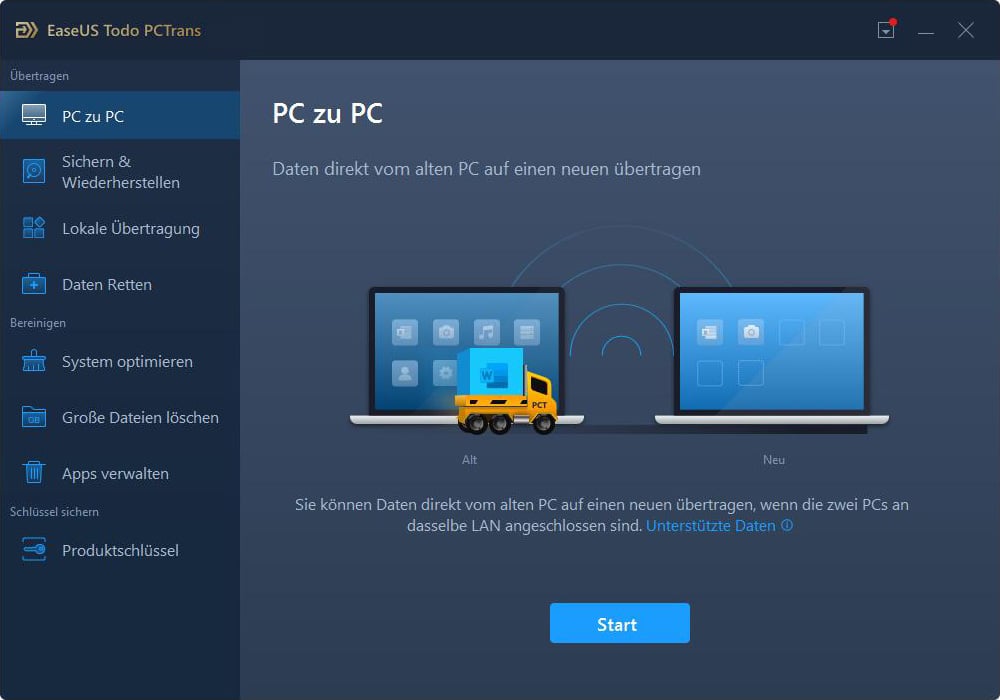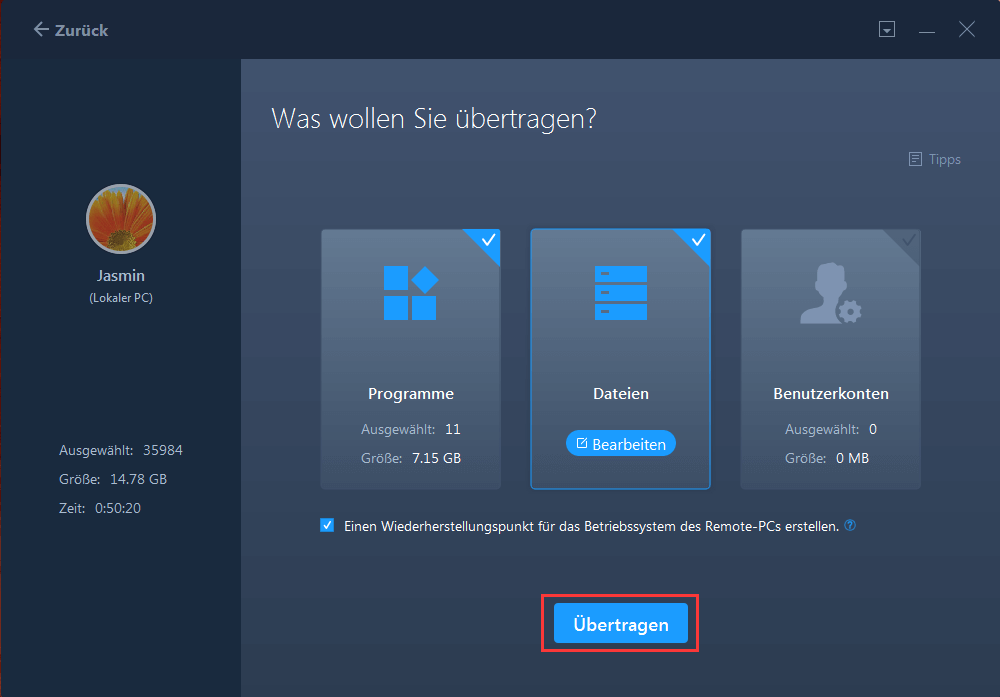
specializes in transferring user accounts, data, and installed applications from one computer to another. For example, a typical usage scenario might be to install a new Windows 10 computer to which you want to transfer content from a retired Windows 7 machine or an earlier version of XP or Vista.
Another possibility of use may be to facilitate the installation of multiple computers on which you want to have the same or similar equipment. You install everything only once and then transfer it to other computers.
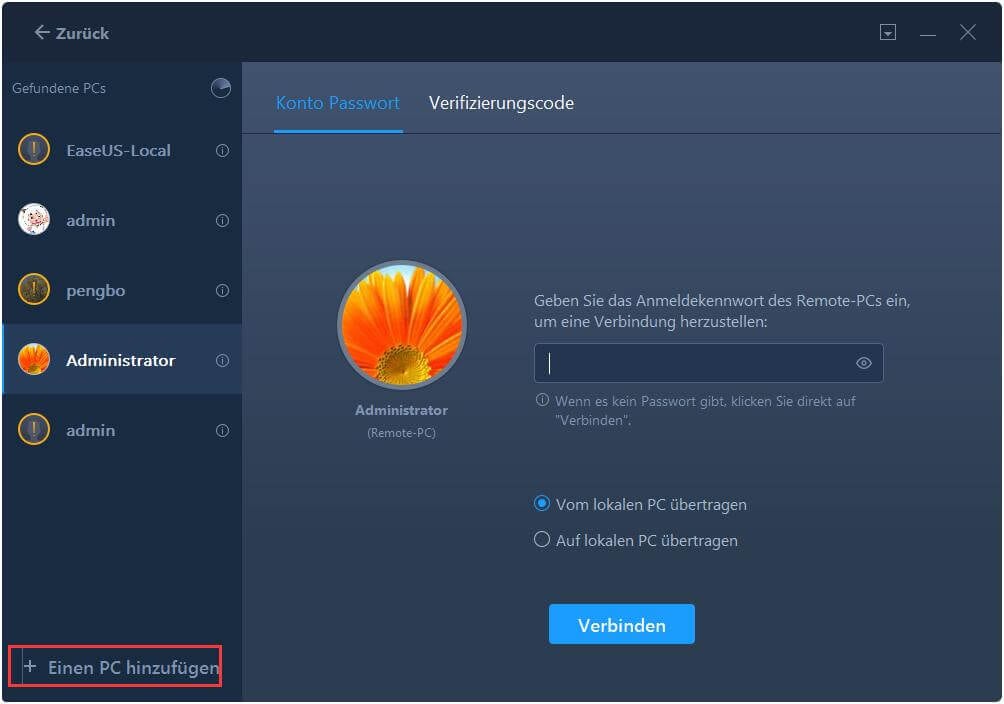
Using EaseUS Todo PCTrans Pro is very easy and you can decide whether to transfer data over the network (both computers must be connected to the same local network) or via an image of the existing computer equipment, which will be generated on an external drive.
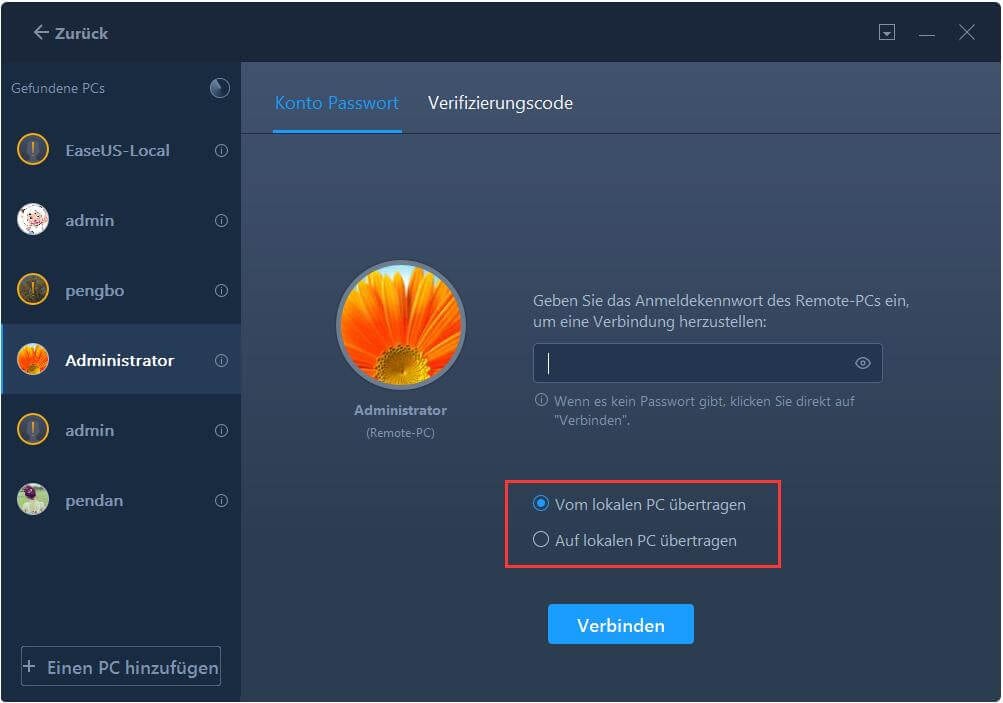
Data migration between computers consists mainly in choosing the method of transfer (over the network or via an external disk) and choosing whether you are currently working with an old or new computer (always start working on the old computer).
Specification Features
Transfer data and applications to other partitions on your local PCs
Transfer applications & data via a network connection or image file
Backup and restore files, partition, outlook, operating system, etc