Description
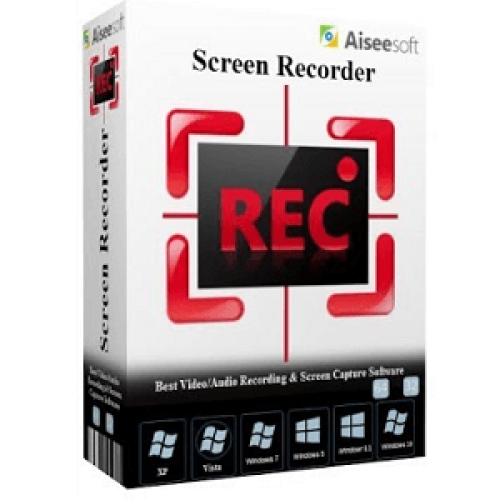
Considered as an easy-to-use yet powerful screen recorder software for users to capture any activity on Mac or Windows computers or take snapshots. With it, you can easily record tutorial videos, lecture videos, webinars videos, games videos, songs, and even Skype calls. What more, you can edit video/snapshot and draw new labels to the output file while recording the screen.
Specification Features
1. Record screen, video and audio
With Video Screen Recorder, you can record YouTube, Metacafe, Vimeo, Yahoo, CBS, Niconico and other online video. Meanwhile, if you have found loved HD Video like MPEG2 HD Files, MPEG4 HD mp4, HD Video Files (*.wmv), HD TS, HD MTS, HD M2TS and others, you can use this software to record them.
2. Choose your needed video size
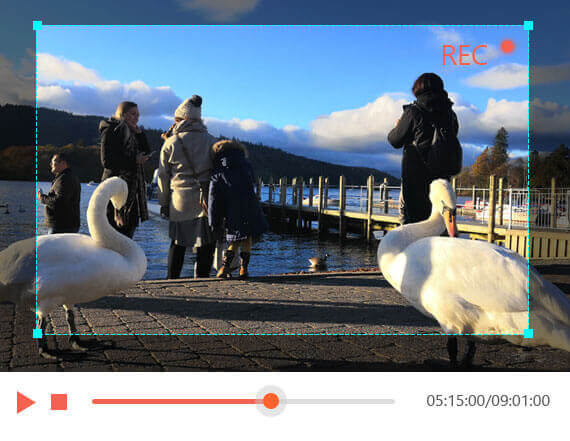
This Screen Recorder can allow you to choose your needed video size like full screen, customized size. Meanwhile, you can select the area that you want to record. You can also adjust the frame of the software to adjust the size to record.
3. Set the audio source or microphone voice
The excellent Screen Recording Software allows you to choose the audio options when you record audio. You can choose the system audio or microphone audio, or select them both according to your needs.
4. Choose needed cursor
Screen Recorder software has cursor options for you to choose like highlight cursor or highlight clicks.
Aiseesoft Screen Recorder can record screen, video, audio. It enables you to choose your needed video size like full screen and customized size like 1600×900, 1280×720 or others. You can also select the area to record. Meanwhile, you can choose the system audio or microphone audio according to your needs. Apart from that, it owns cursor options for you to choose like highlight cursor or clicks or both. It is highly compatible with windows 10.
How to Get a Free License
Step 1. Go to this GIVEAWAY PAGE
Fill in the available form your Name and E-mail address and click on the “Register” button to get the free registration code.
Step 2. Aiseesoft will send the free activation code to the email address you provided, please check your mail inbox in due time. If you don’t see it in your inbox, please check the junk mail.
Step 3. Use the download link on the Aiseesoft Screen Recorder home page to download and install the software on your computer.
Step 4. Please enter your Email address and Registration code exactly as they appear on the registration email or letter you received to activate the software
Step 5. Enjoy Aiseesoft Screen Recorder for 1-year free!

 yooffers