Home » Get Giveaway – DMclone 1.2 – 100% clone data – Safe, robust and easy to use disk cloning software – helps clone hard drives, copy data and upgrade disks – Windows/MAC
Editor choice
Get Giveaway – DMclone 1.2 – 100% clone data – Safe, robust and easy to use disk cloning software – helps clone hard drives, copy data and upgrade disks – Windows/MAC
The annoying thing is that during such an upgrade, a new installation of Windows and the used applications, re-adjustment of user settings and, of course, the transfer of all data awaits you. Some may take this as a cleanup process and look forward to starting with a clean disk, but the fact is that many users would like to save those few hours of work. And that’s the main benefit of DMclone.
You can make exact copies of the contents of entire hard disks and selected partitions to back up or install a new disk. You can create an exact copy of the contents of your existing drive to a new SSD.
speaking of an exact copy of the disk, then, of course, there is the possibility of making backup copies, with which it is possible to return the computer to a functional state almost immediately in the event of a disk crash.
Efficient Disk Cloning Software
It can help you securely and easily clone HDD, SSD, memory card, USB flash drive, etc from one location to another. You also can use it to help you upgrade old hard drive to a new one without reinstalling Windows OS.
Partition Clone Mode
The partition-level disk cloning mode. Clone a hard drive partition to a new hard drive partition or device or clone data from external device to your hard drive partition.
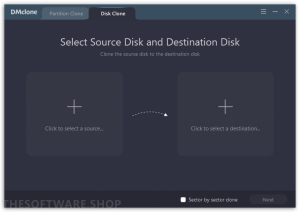
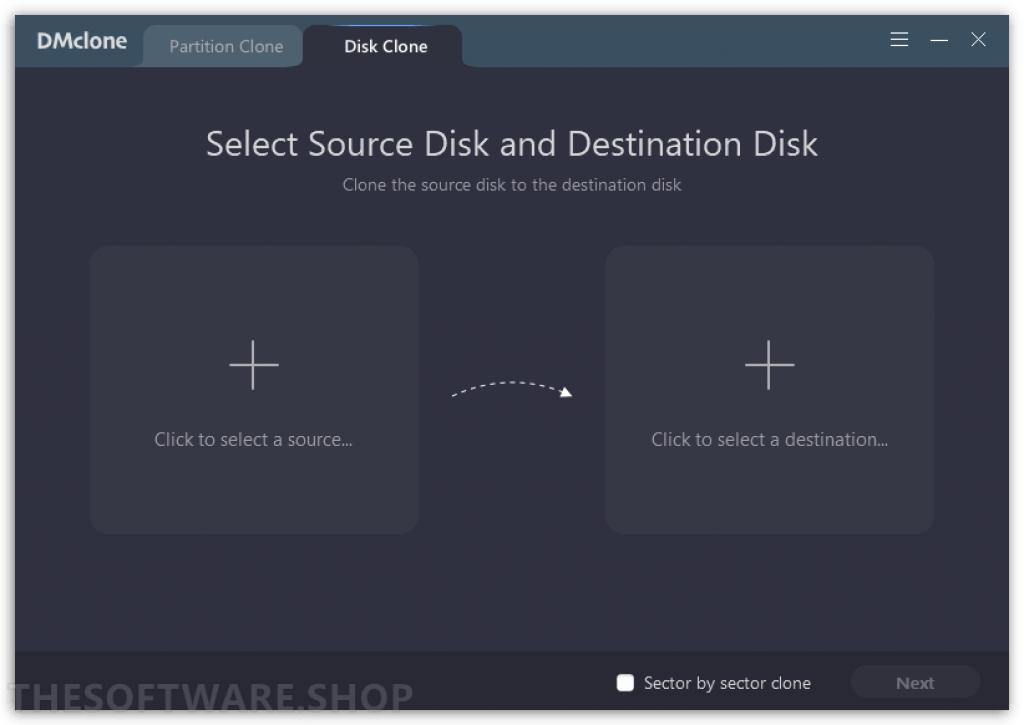
Disk Cloning Mode
The disk-level disk cloning mode. This mode can help you easily clone an entire hard disk drive to another hard disk drive or external device or clone data from external device to your hard disk drive.
Why You Need DMclone for Windows?
DMclone for Windows is 100% safe disk cloning software. It supports to clone any type of hard disk drive or removable storage device.
Reliable Disk Cloning Solution
Easily migrate your documents, Windows operating system and applications to another hard drive without any data loss.
Easy Data Backup Software
Make a complete backup of the hard drive, USB flash drive or memory card to prevent data loss.
Easily Upgrade Your Hard Drive
Are you running out disk space? DMclone for Windows provides an efficient way to upgrade your hard drive without much time-consuming job.
Securely Replace Old Disk with SSD
Looking for a simple way of speed boot? Upgrading HDD to SSD is one of the easiest ways. DMclone can smoothly replace the HDD with an SSD.
How to Install
In this offering box, click on the Get this item button and you will download the installation file
Once downloaded, install it & launch the program after installation
Use one of the following license keys to activate the full version:-


 yooffers