Without overwriting existing content, with this lightweight, easy-to-use program. If you often need to copy a large number of files to multiple locations, performing this task the old-fashioned way is both tedious and time-consuming.
Copy a file to multiple folders as its name implies, enables you to copy files to multiple directories in one quick operation. It is very simple-to-use. This application is great for those who only wish to transfer a set of files to multiple directories in an effortless manner. First-time users should not run into any issues, as the program’s functions are self-explanatory.
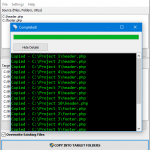
How to copy multiple files Files, folders or URLs can be added to the list using drag and drop actions, and you can specify whether or not existing items should be replaced. A processing log is displayed in a separate window after the operation has been launched. It lets you know which files have been copied or skipped. The application can also recognize paths using Environment Variables.
Supports network mapped drives Shared network drives are also supported. You can access your mapped drives on your local network using the program.
Category: System Utilities – File & Disk Management
Supports: Windows Windows 10/8.1/8/7/Vista/XP (32-bit and 64-bit) Language: English, Deutsch, Español, Français, Italiano, Magyar, Nederlands, Polski, Português, Pусский, Shqip, Slovenščina, Svenska, български, العربية, 中文, 日本語 Download Translation Files License: Free to try
How to Install
In this offering box, click on the BUY NOW button to download the installation file (Installer/Portable)
Once downloaded, install it & launch the program after installing it.
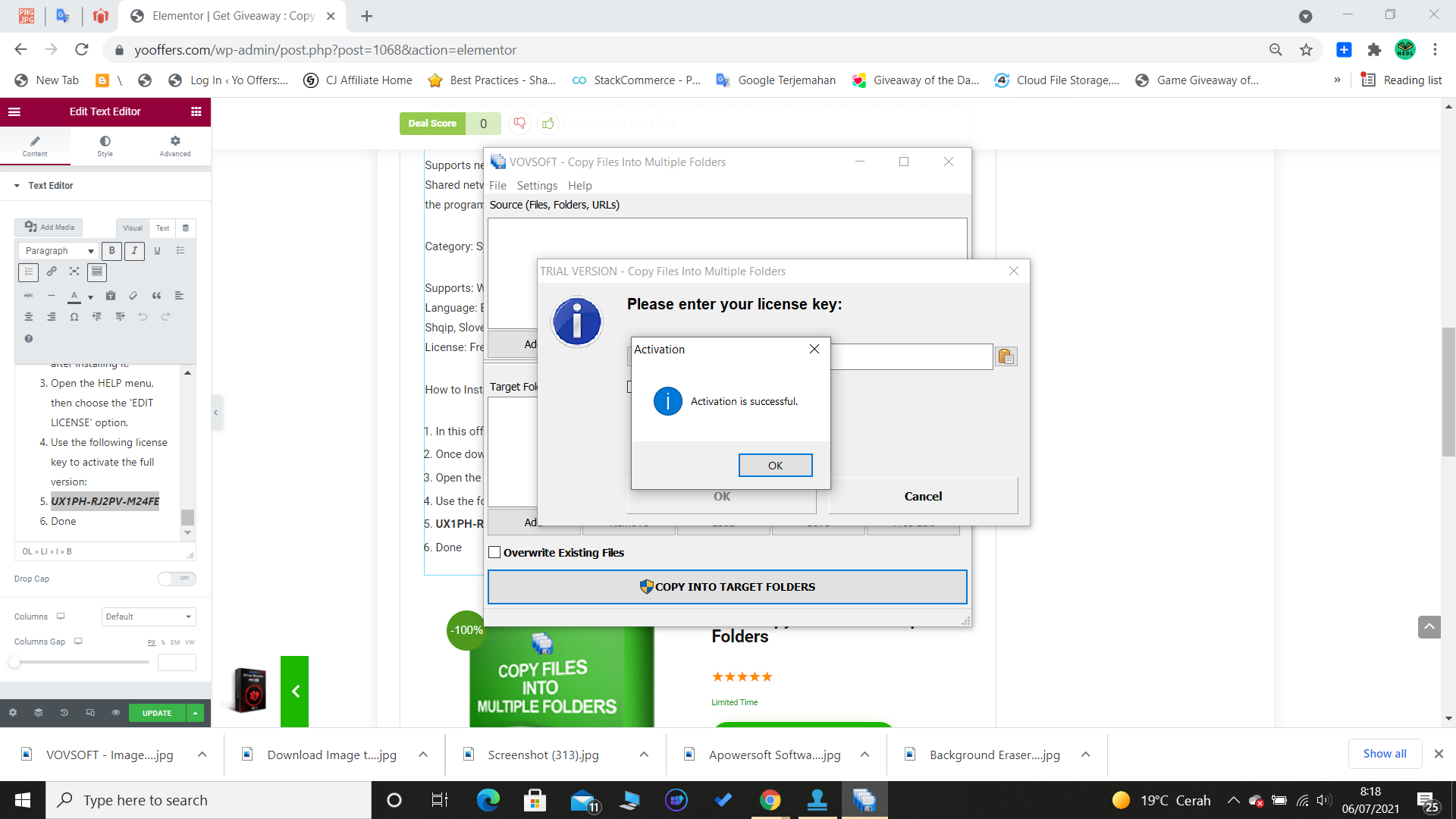
Open the HELP menu, then choose the ‘EDIT LICENSE’ option.
Use the following license key to activate the full version:



 yooffers