
 yooffers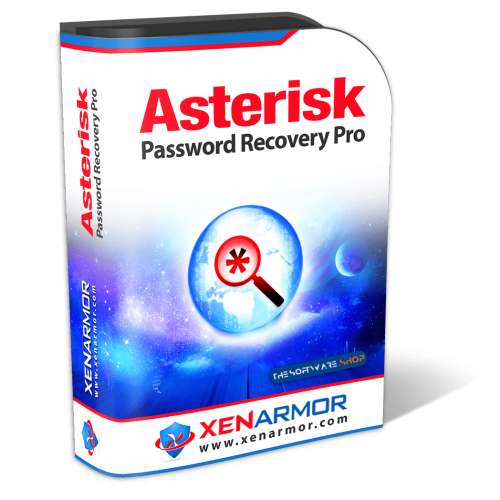
(Giveaway) Asterisk Password Recovery Pro - Personal Edition
$0
$99.95
click on the Get this button and you will go to the registration page.
-
- On the registration page, fill in the form with your email address and give a check on the 'I'm not a robot' captcha.
- Click on the REQUEST FULl VERSION KEY button and the license key will be shown and sent to your email address
- Download the software from here:
https://cdn.xenarmor.com/download/AsteriskPasswordRecoveryPro_Giveaway.zip
- Once downloaded, install it & launch the program after installing it.
- Use the license key you've got to activate the full features!
- Done. Enjoy the full version software.





