GET FREE – Mango Animate Character Maker Pro 2.3.5 – Amazing cartoon characters created Mango CM – 2D animation & skeleton
 yooffers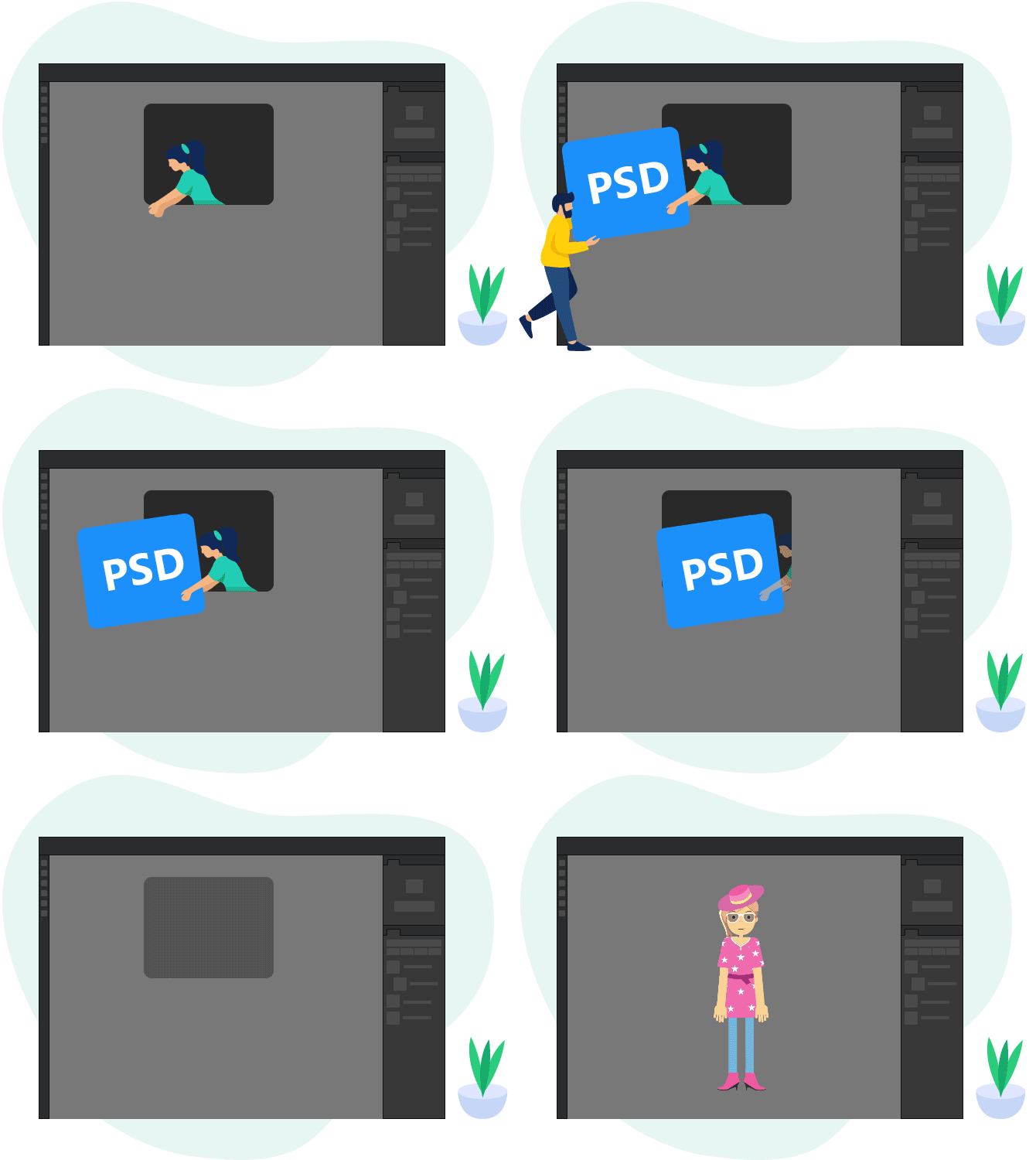

Description
- Work with PNG and PSD
Turn static PNG image or PSD layers to animated characters. Simply import your PNG or PSD file into Mango Animate Character Animation Maker, add bones, edit poses, apply dynamic animations, and bring your artwork to life. - Various Character Animation Resources
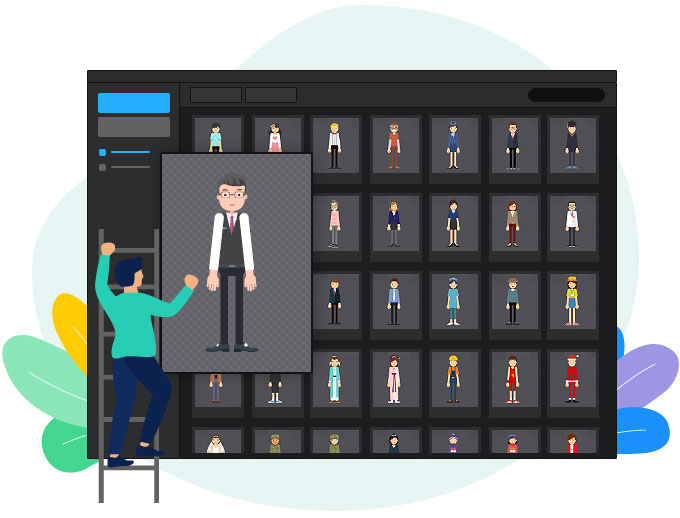
Explore a library of ready to use animated characters. Each character is professionally designed and fully rigged. Simply select a cartoon character to animate and you can instantly use it in any project. - Huge Motion Library
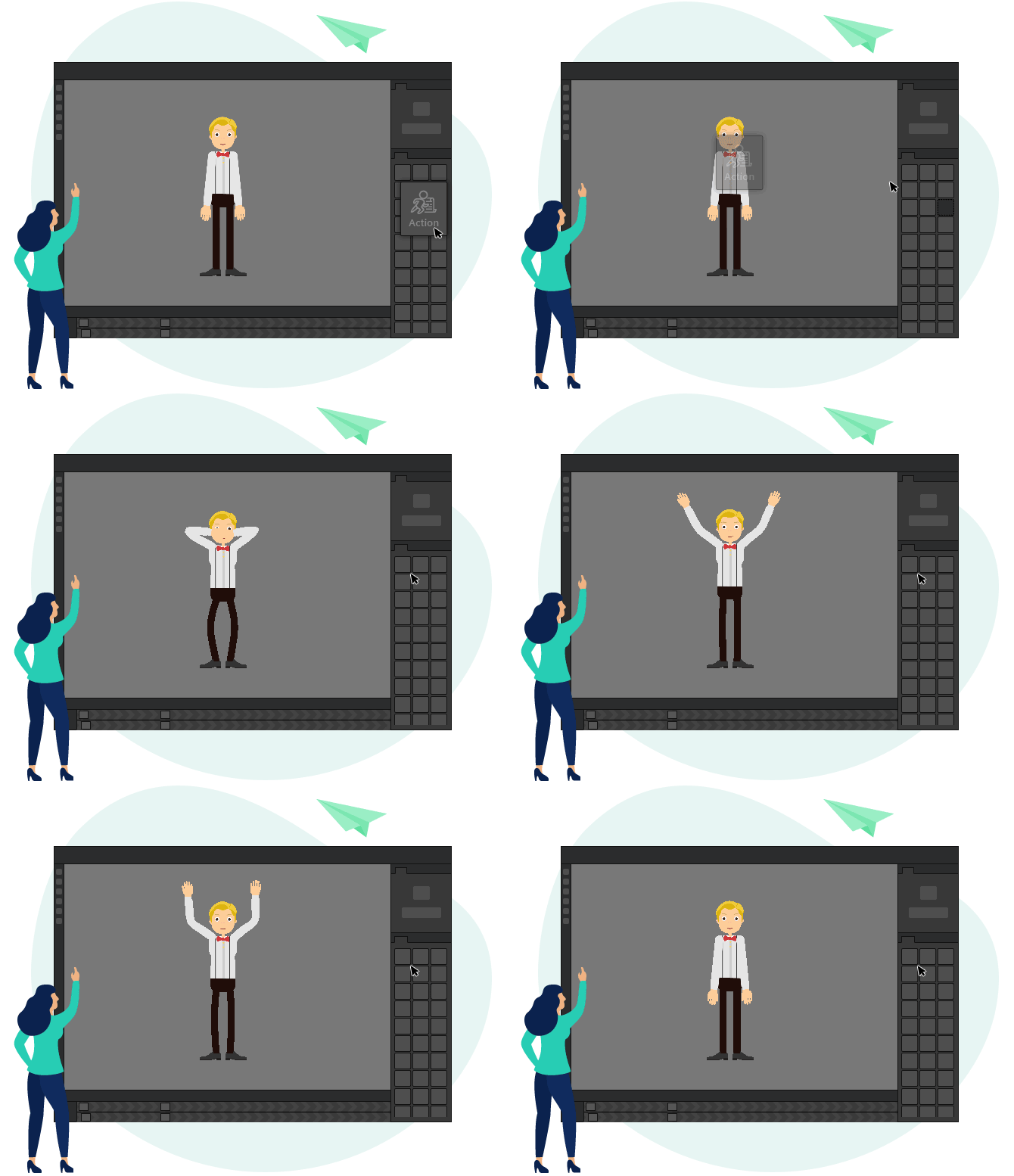
Use pre-made motions to create free character animation faster and easier. Access a vast library of dynamic facial expressions and body movements. Simply drag and drop motions onto the timeline. Animating a cartoon character has never been easier. - Infinite Customization
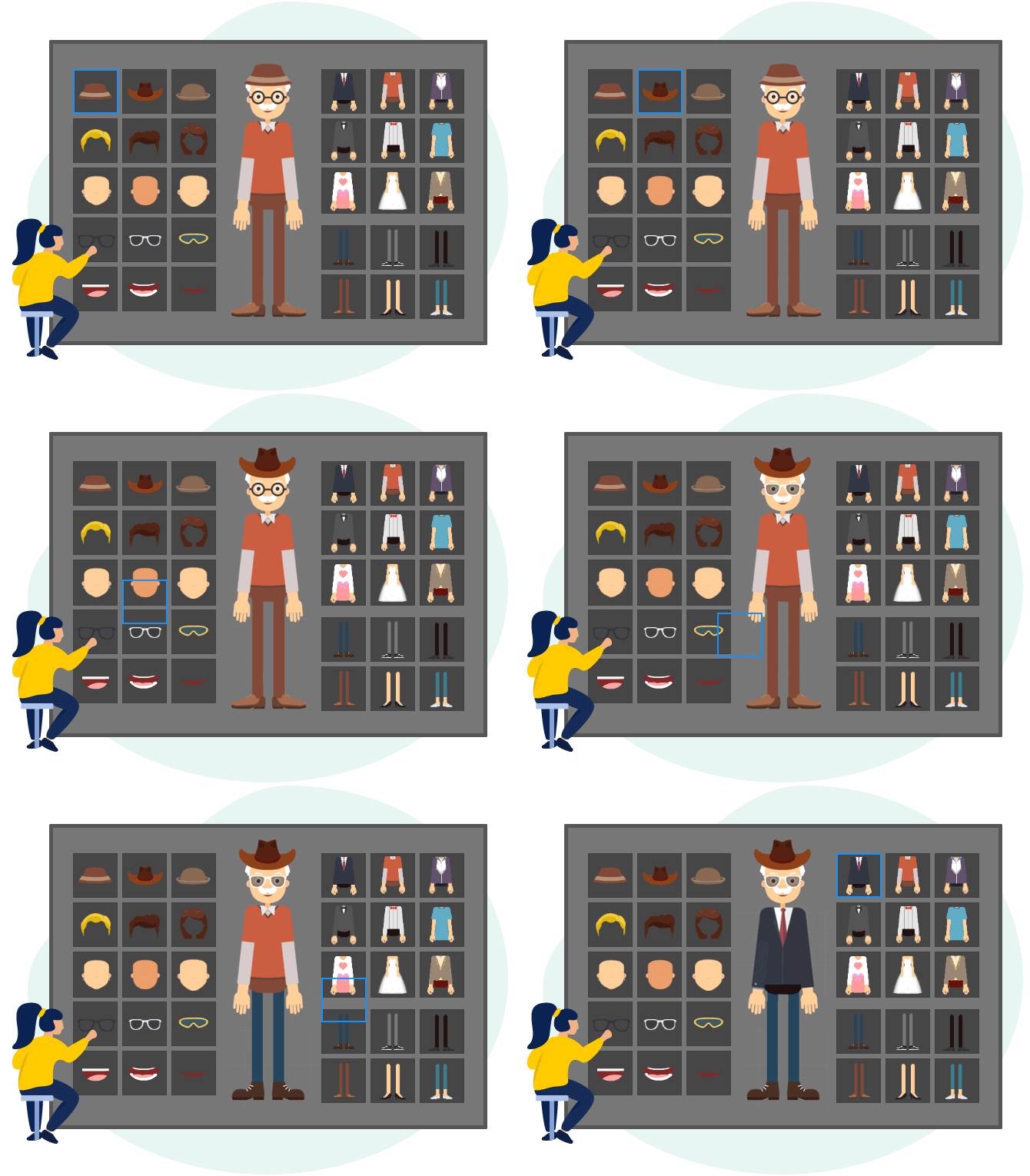
Swap outfits and accessories for your animated character with a simple click. Select from all kinds of vivid facial features and beautiful decorative items to build your unique animated character in seconds. - Intuitive IK Control
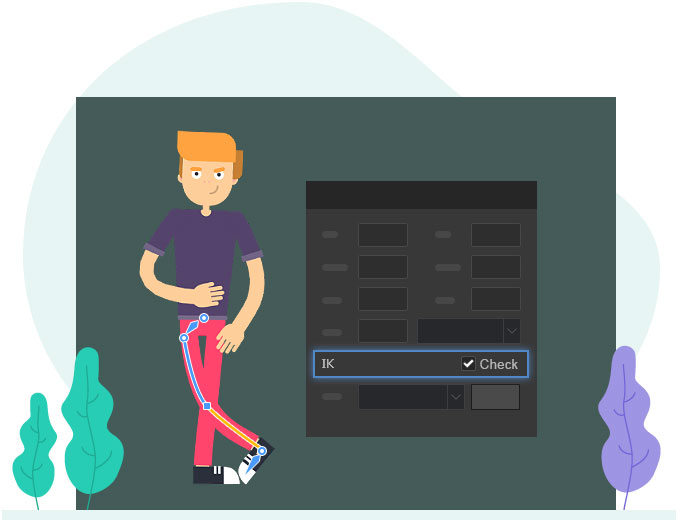
Use the smart and intuitive Ik (Inverse Kinematic) feature to edit character posing and movement. Then the animation of your cartoon character can play more naturally and logically. Mango Animate Character Animation Maker gives you the power to create precise and intuitive animation effortlessly. - Export and Share Easily
Export your characters and animations in various formats (MP4, MOV, PNG, or animated GIF). Share your wonderful artwork on Facebook, Twitter, and other social media to reach a wider audience.
Specification Features
- Character Editor
Use our cartoon character creator to customize the color of the skin, eyes, mouth, and other body parts of your 2D character, or import your custom assets to freely compose your unique character with ease.
- Easy Rigging
Rig any 2D character design with the easiest bone tool, or use pre-made bone templates to work faster. Our cartoon character maker empowers everyone to create pro-level character rigging in a blink.
- Cartoon Character Template
Get access to a library of character templates within the best free cartoon character maker. You can utilize all kinds of human and animal templates with pre-made bone structures to shorten the creation process.
- Powerful Accessory Library
Utilize the powerful accessory library within the free cartoon character creator to customize the cloth, glasses, hats, shoes, and so on. You can upload your own items to make your own cartoon character unique.
- Add Audio and Video
Import audio/video files into our 2D character design software to match the movements of your character. With a simple voice track, you can breathe life into your character and give your viewers a more immersive experience.
- Publish to Any Platform
Use our 2D character design software to quickly publish your animated character in various formats, including MP4, MOV, PNG, and animated GIF. Share your masterpiece and reach viewers on any platform.
Perfect Animation Software for
- Education
Mango Animate helps teachers create captivating animation videos that will keep their students engaged.
- Business
Using eye-catching explainer animation videos to tell business stories, improve marketing results, and motivate your audiences to take action.
- Everyone Else
With the help of templates and free assets from the animation video maker, you can make amazing animation videos that fit your needs in minutes.
How it works?
STEP1
Choose or Add a CharacterUse a preset cartoon character or upload your own to the cartoon character maker
STEP2
Add Bones to CharacterAdd bones to control movements, or just skip if you use a preset character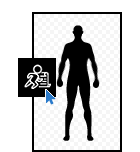
STEP3
Animate the CharacterAdd preset motions or customize the pose of your cartoon character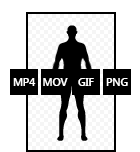
STEP4
Preview and ExportPreview the animation effect and export the format you need
Feedback Customers
I tried several free animation software and found Mango Animate is the best choice. It is so easy and fun. It’s the best video animation software for beginners and small companies.
Joyce J. Guerrero
WebmasterIt is a good animation program that is really easy to use and delivers great customer service. I would recommend this program to anyone who is looking for a simple way to create animated videos.
Monique W. Thompson
System Requirements:
Windows Vista/ 7/ 8/ 10
Publisher:
Mango Animate
File Size: 96 MBLicence details: 6 month
How to Registration
1. Visit https://mangoanimate.com to sign up for a free account of Mango Animate.
( If you have registered an account of Mango Animate before, you just need to log in to your
account and go to step 3.)
2. Log in to your email, find the Mango Animate Activation email, and click the “ACTIVATE
ACCOUNT” button to activate your account.
3. Visit https://mangoanimate.com to log in to your account and click the drop-down menu next
to your user name and pick “Billing info”.
4. Click “Gift Card” at the left side column and enter your code: 26MB-U55L-044H-UP3V, choose Mango CM, enter the Captcha and click “Submit” to activate your Professional account of Mango CM.
5. Install the software by running Setup.exe, log into your account, and hover
over/click your name in the program to check your account type.
You have to install it before the Giveaway offer for the software is over.
Terms and conditions
Please note that the software you download and install during
the Giveaway period comes with the following important limitations:
1) No free technical support
2) No free upgrades to future versions
3) Strictly non-commercial