

Description
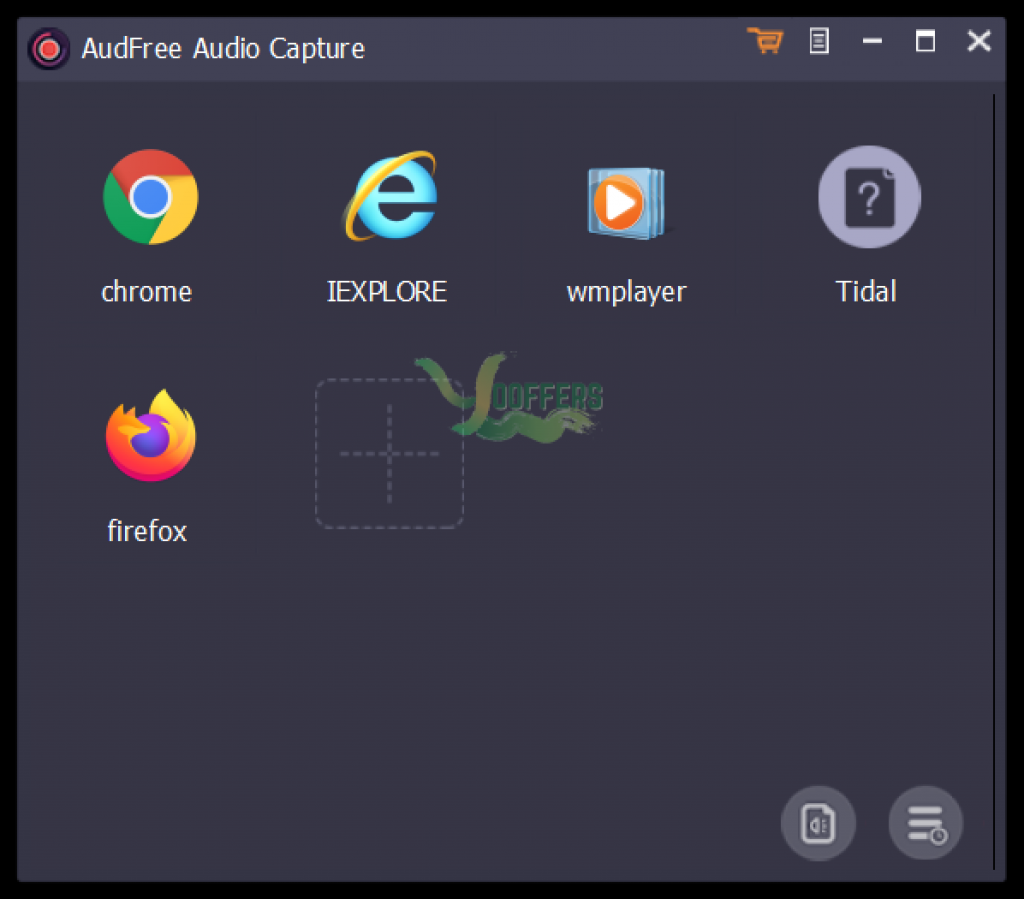
Audio tracks from browsers like Chrome, Internet Explorer, or the popular streaming music sites like Spotify, Apple Music, Deezer, iTunes, or local media players, like VLC, Windows Media Player, or your video sharing sites, like YouTube, Vimeo, Dailymotion, etc. With built-in audio editing function, AudFree Audio Capture for Windows allows you to define output format as MP3, WAV, AAC and FLAC, split, cut or merge the recorded audio clips, and customize audio output quality, like audio codec, bit rate, sample rate, etc. according to your own needs. It is also capable of preserving.
Specification Features
- Record and extract any sound playing on local media players, like iTunes, QuickTime, VLC, Windows Media Player, KMPlayer, etc.
- Convert and save recorded audios to popular formats
- Play DRM-ed streaming music on any portable device
- Customize recorded audio quality
- Split, trim, merge, edit music recordings in a desirable way
- Record audio tracks from online radio stations like Pandora, iHeartRadio, Last.fm, SoundCloud, BBC iPlayer, SiriusXM, etc.
- Record audios from music streaming services including Apple Music, Spotify, Tidal, MySpace, Amazon Music, Google Play, etc.
- Record background music from videos on video sharing sites such as YouTube, Vimeo, Dailymotion, FaceBook, Metacafe, Veoh, etc.
- Excellent ID3 tag editor
- Intelligent multi-track audio capture
How to get License Key for free ?
1. Click button ‘Get this item’ to Download Installer
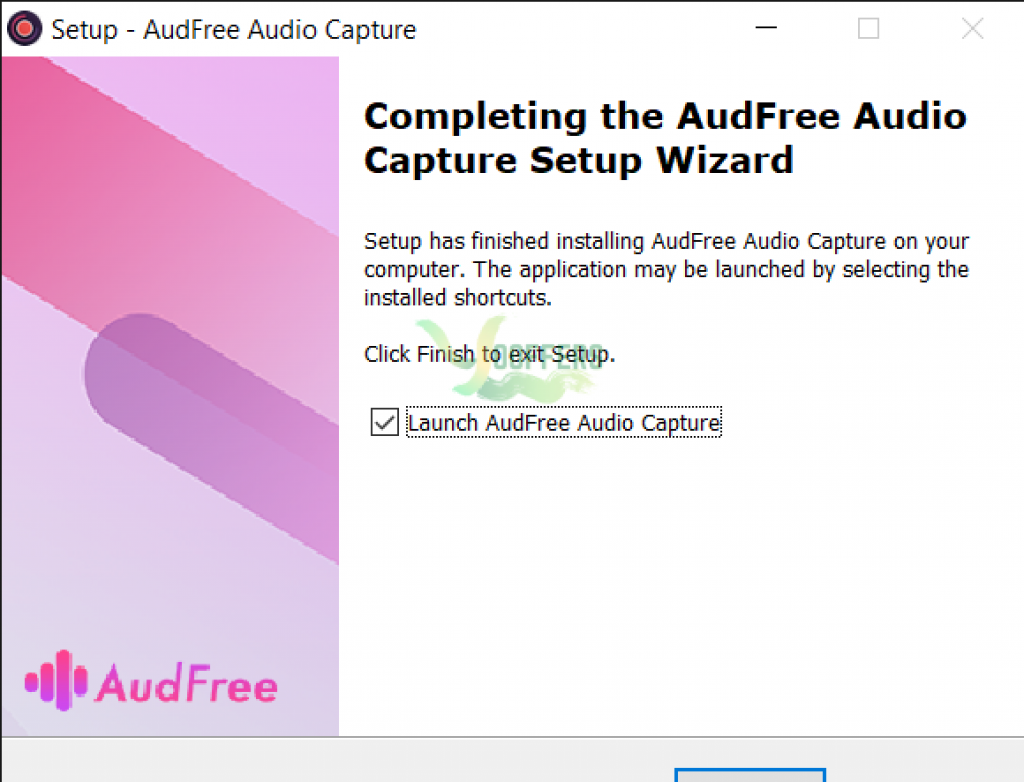
2. Open it and register for the full version by the below license code
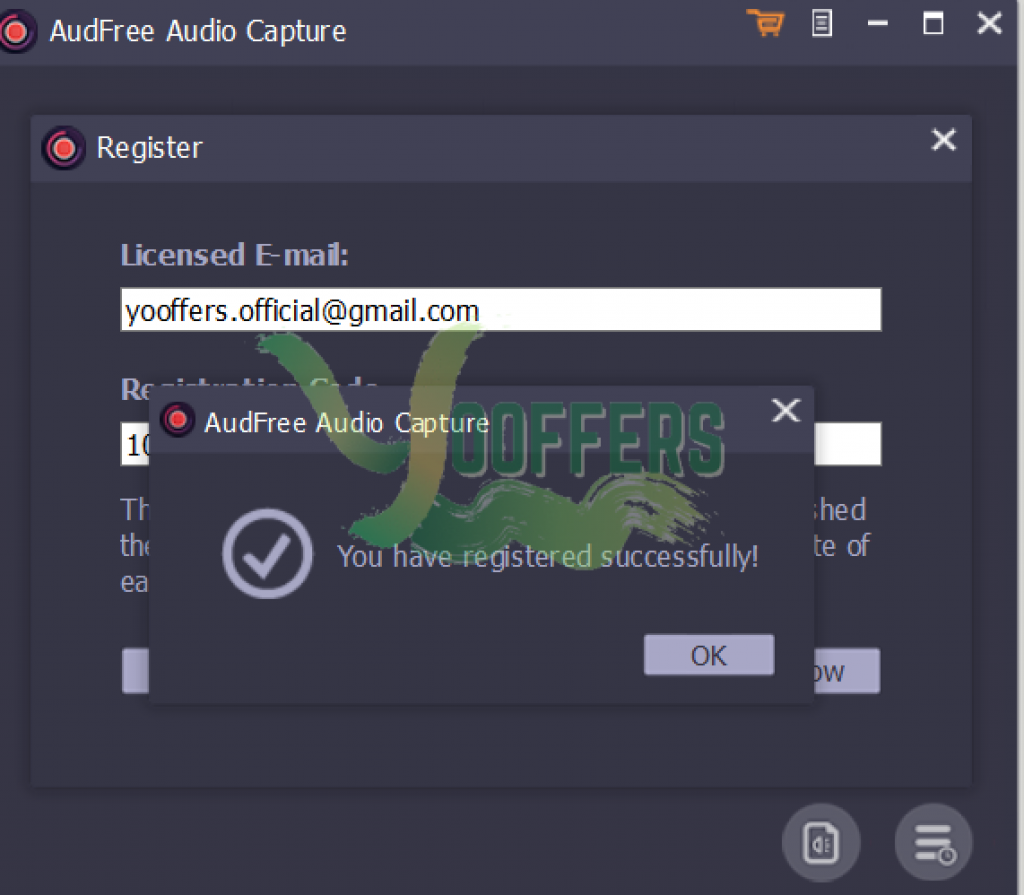
10802221862f1d130c01808419156830b0e0116a4a
Key
3. Enjoy
AudFree Audio Capture (Installer)
– Non-commercial usage
– No free update and tech support





