
2021 Giveaway : Abelssoft PC Fresh – multifunctional program that was designed to help you tune and optimize the operating system
 yooffers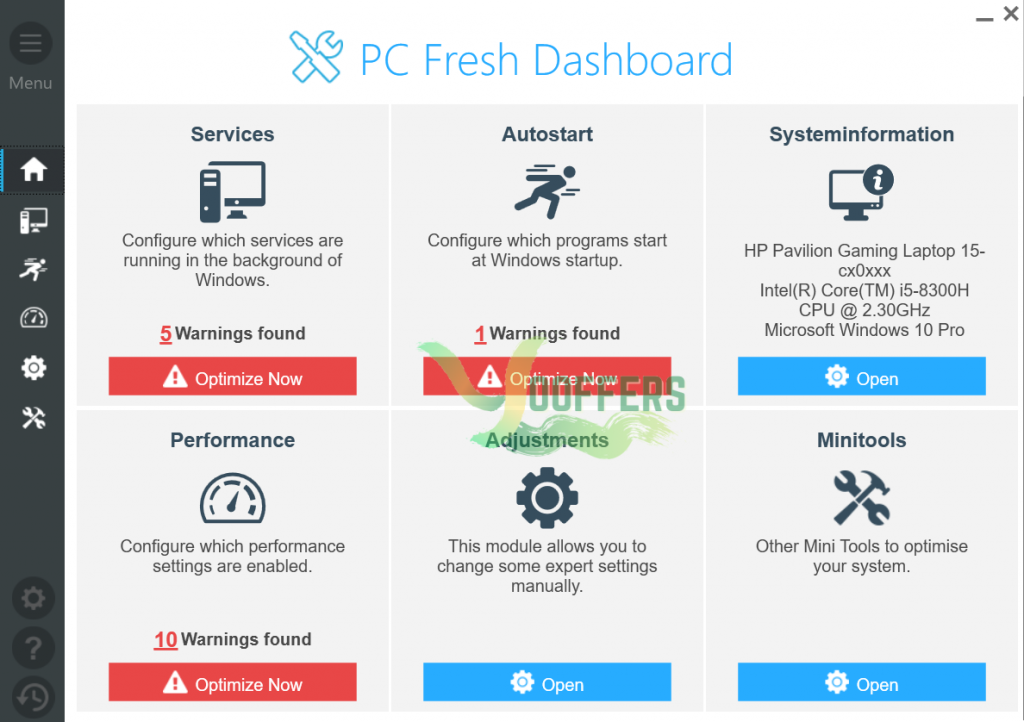
Description
PC Fresh is a one-click optimizer for your Windows computer. It can help you easily resolve issues that are causing your machine to slow down, from stopping startup programs, determining storage space and defragmenting the hard drive, to optimizing memory usage and managing services running in the background more easily.
The user interface program PC Fresh is very clear and will facilitate work for less experienced users. In addition, the alert system highlights other ways to optimize performance. It is also very practical to integrate the program into the user experience, so this pc optimization tool will help you with community recommendations when configuring services and running programs at system startup
Specification Features
- Automatic recommendations – When setting services and autostart programs, PC Fresh is at your side with recommendations.
- Individual system adjustments – Customize the appearance and behavior of the system to suit your personal needs
- Monitor Windows services – With PC Fresh, all services running in the background can be displayed and stopped if necessary.
- RAM tuner and system information – The memory optimization helps to free up unnecessarily occupied main memory without having to restart the computer.
- Startup optimization – PC Fresh lists all autostarters and allows you to deactivate all those that you can do without.
- Ready to go for Windows 10 – No matter which Windows operating system you have installed. You can buy PC Fresh today and continue to use it if you switch to Windows 10.
- Personal interview – With the help of an assistant-supported interview, your personal requirements for the operating system are worked out.
- Power Now! Mode – With this mode all superfluous services are switched off in order to get maximum performance for you.
- Minitools – Offers you several Minitools that are specifically designed for one task only. The selection takes place in a tile design and leads to small applications.
- Show Systeminformationen – Shows your computer configuration From detailed hardware information to installed audio and video codecs are a lot of information that could be of interest for you.
- Open-With-List Management – Shows you applications with which a file can be opened.
- Harddisk Memory Consumption – A decoupling of the program FolderVisualizer and can show you which files / folders occupy a lot of memory on the hard disk.
- Memory Optimization – Relieve the working memory in order to release new resources.
- Assistant – Provide more or improved recommendations for your system configuration.
- Backups – Secure changed settings resulting from optimizations So you are always able to restore the old settings after optimization.
How to get License Key for free ?
1. Click button ‘Get this item‘ to Download Installer
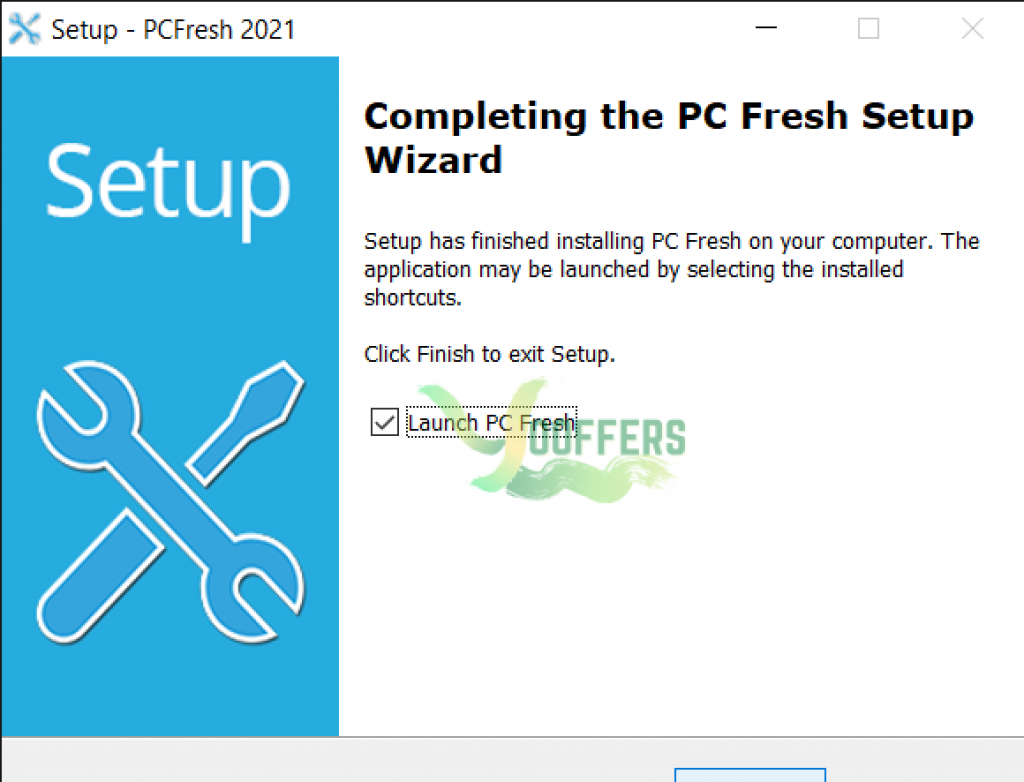
2. Install and Please enter your name and email address in the “Free Registration” window, read and confirm the terms and conditions and data protection guidelines and you will automatically unlock this software.
3. Enjoyy





