
100% Giveaway : TunesKit iPhone Data Recovery – The best data recovery tool is an application
 yooffers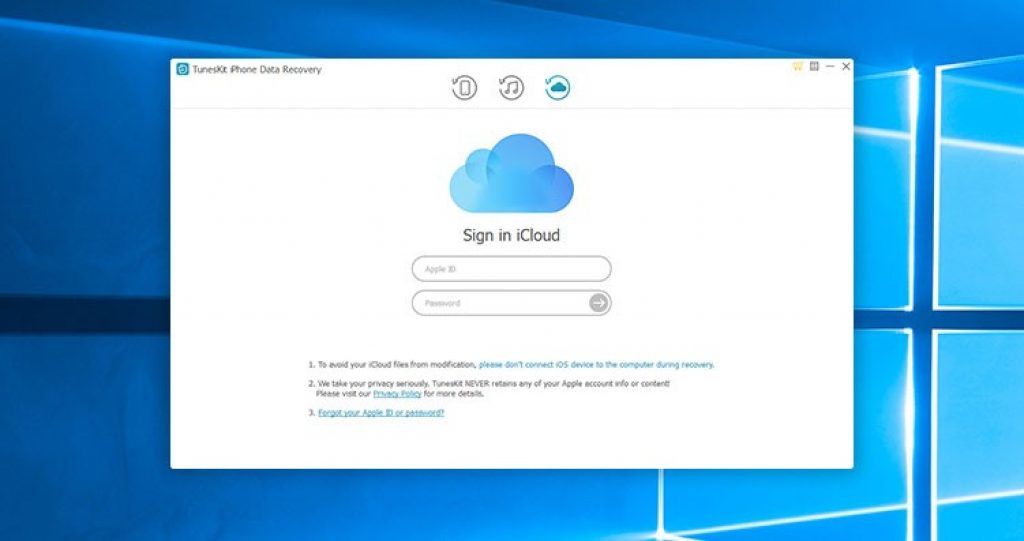
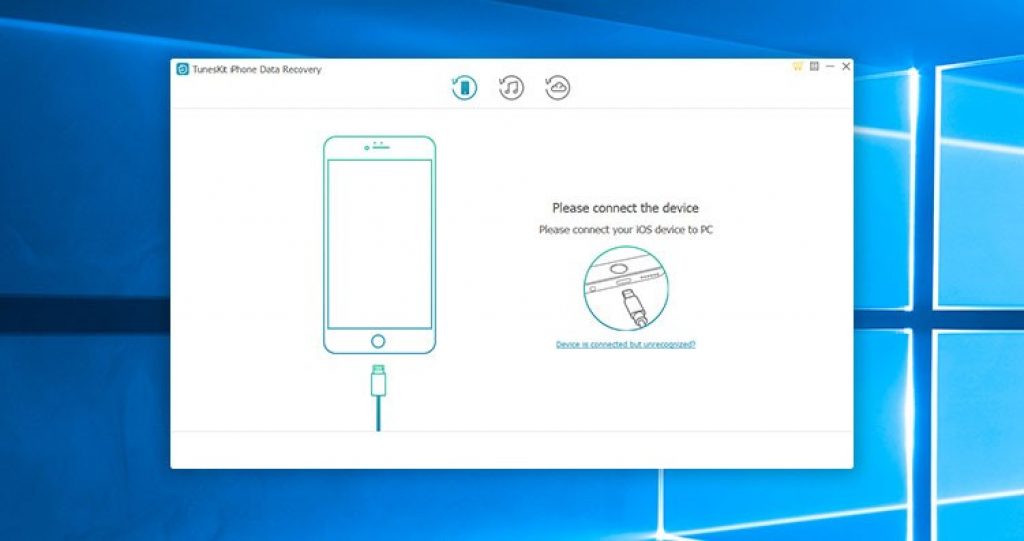
1. You can also recover lost iOS data from iCloud if you have a backup in iCloud.
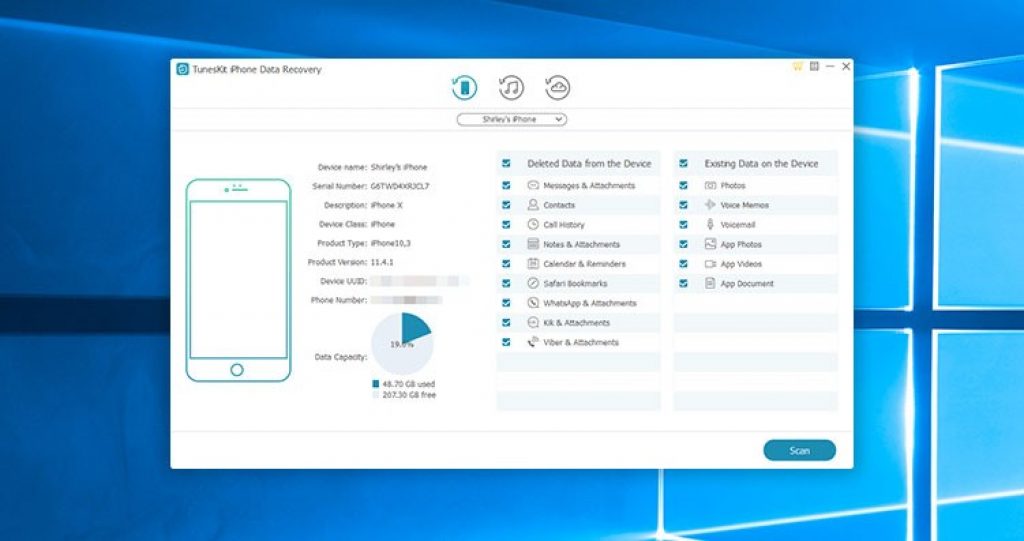
2. Wait for a few seconds till the program detects your iOS device properly.
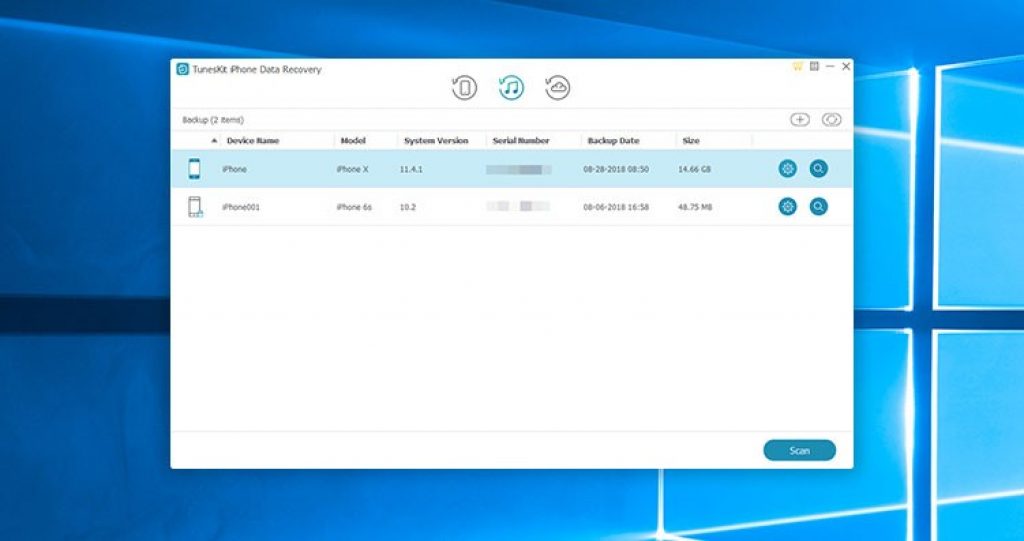
3. To recover lost data from iTunes backup, choose the correct iTunes backup file
4. You can also recover lost iOS data from iCloud if you have a backup in iCloud.
Description
TunesKit iPhone Data Recovery for Windows would intactly bring them back for you from any scenario, including mistaken deletion, iOS upgrade failure, device damage, password locked, jailbreak error, system crash, virus attack, improper operation, screen broken, device lost, factory reset, etc.
TunesKit iPhone Data Recovery stand out from all iOS data recovery solutions is its fastest speed of restoring the lost and deleted files on iPhone, iPad and iPod touch. With only three easy steps, you’ll get back all the missing data to your iOS devices: choose data recovery mode, scan and preview the lost data, select and recover the desired files
data recovery software for iPhone, TunesKit iPhone Data Recovery is capable of retrieving up to 20 kinds of lost data from your iOS devices, including contacts, SMS, iMessages, photos, videos, notes, calls, WhatsApp/Kik/Viber messages, voice memos, Safari bookmarks, reminders, calendars, and so forth.
Retrieve lost files from iPhone/iTunes/iCloud backup – Anda dapat memulihkan data yang hilang dari iDevices secara langsung. Untuk kerusakan perangkat, Anda dapat dengan mudah memulihkan file dari iTunes atau cadangan iCloud. Ini adalah pemulihan data iPhone paling komprehensif dengan hasil pemulihan terbaik yang pernah Anda temukan.
Fully compatible with all iOS devices – In addition to the strong ability of rescuing all data types on iPhone/iPad/iPod touch losslessly, TunesKit iPhone Data Recovery for Windows is also highly rated due to its full compatibility to a wide range of iOS devices running the latest iOS 14, including iPhone 11 Pro, iPhone XS, iPhone 8, iPad 4, iPad Pro, iPad Air, iPod touch 5, and more.
Specification Features
- 100% safe retrieval – Recovered data won’t overwrite the existing files after recovery.
- Ghest success rate -Utmost possibility of data retrieval based on advanced technologies.
- Preview lost data – You can preview and select required data before recovery.
- Recover encrypted backups – Even encrypted data could be easily restored on iPhone/iPad/iPod.
- Easy-to-use interface – Intuitive UI makes everyone the master when recovering iOS data.
- Free lifetime update – Get frequent upgrade to support every new iOS or Windows.
How to get License Key for free ?
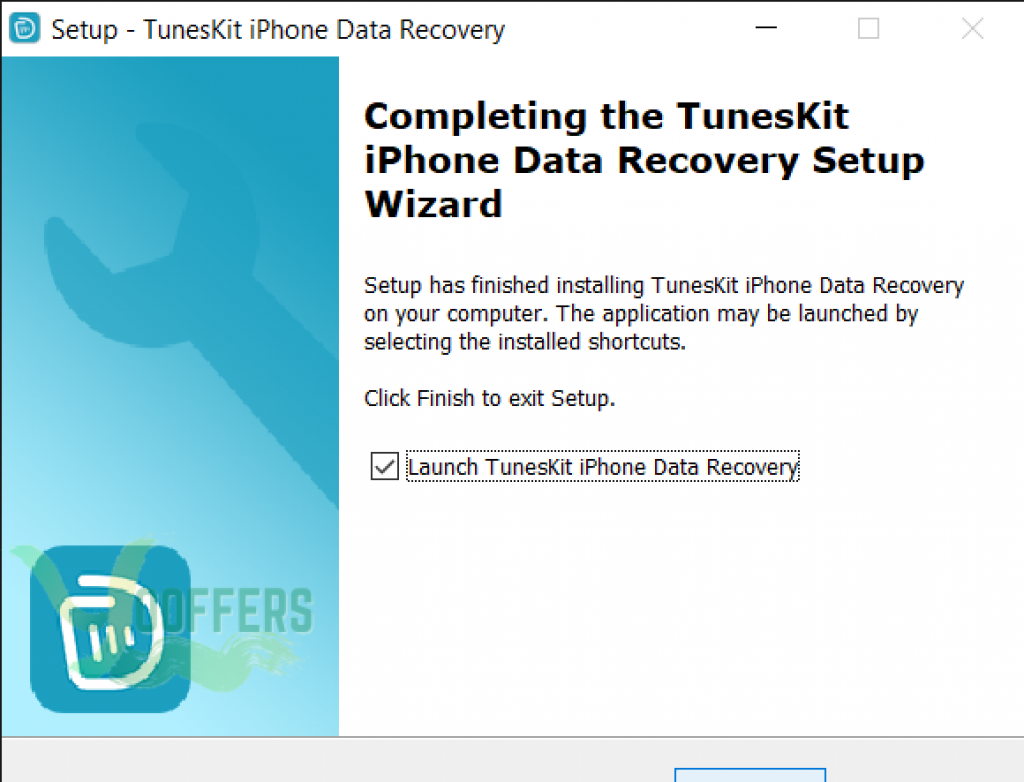
1. Click button ‘Get this item’ to Download Installer
2. Use the below license key:
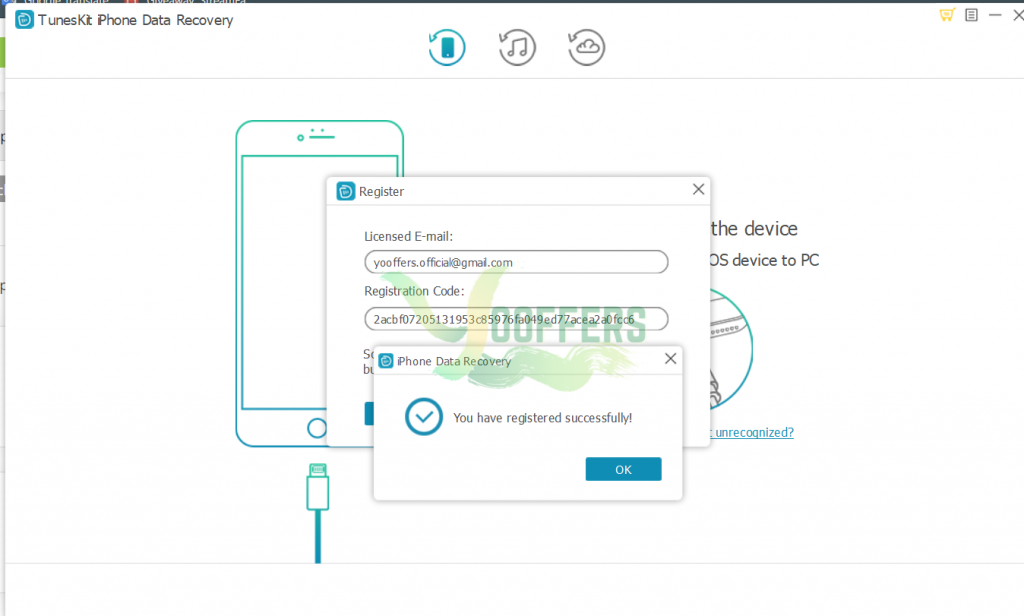
2acbf07205131953c85976fa049ed77acea2a0fcc6
key
3. Enjoy
TunesKit iPhone Data Recovery (Installer)
Non-commercial usage
No free update and tech support
Register it before the giveaway has ended





