


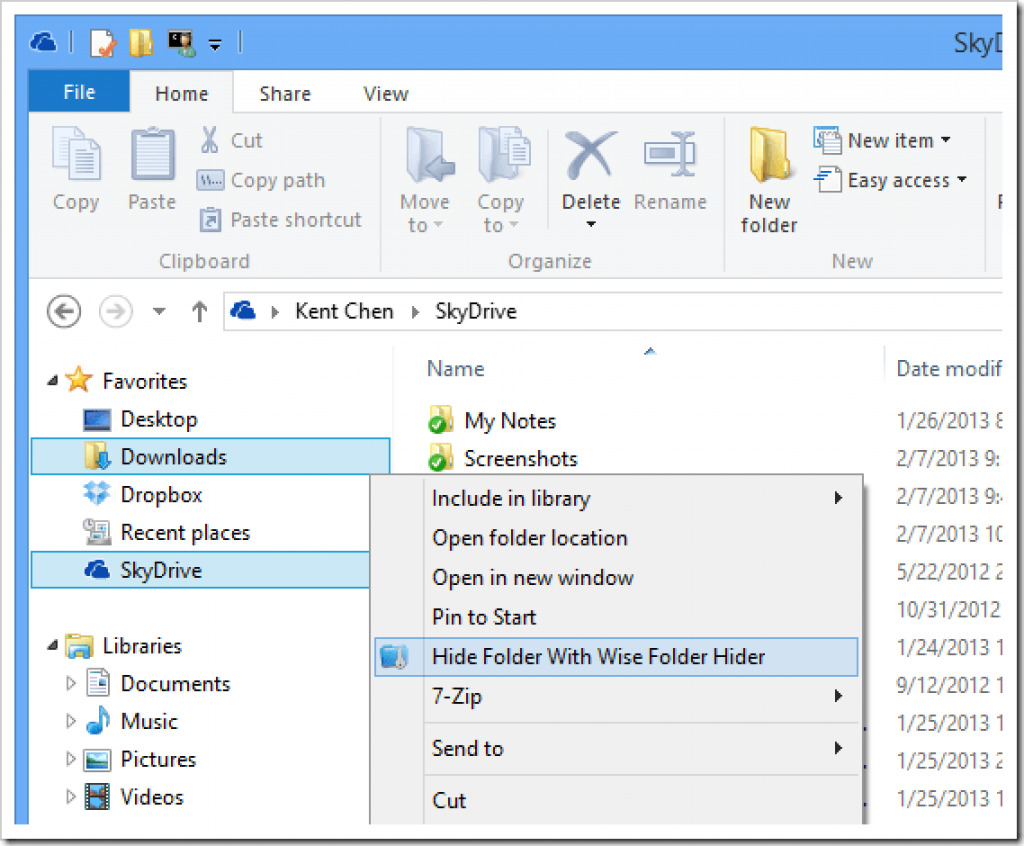
Description
To encrypt files, you need to create an encrypted partitioned drive first, then drag and drop your files and folders to the encrypted drive. The files and folders will be hidden and encrypted after you close the program. With its great protection, others will not be able to open, read, modify, delete, move, copy the encrypted files and folders, or even not be able to see them.
In many cases, you need to share a USB drive with others and some sensible files will be read by others. With Wise Folder Hider 4, you can hide and password protect your personal file and folders on the USB stick with one click. Even the USB drive is lost, the important files will not be stolen.
What’s more, the encrypted drive is removable and portable. You can use it just like using a USB drive or even create the encrypted drive directly on the removable drive.
Inside the program, you can set a second level password for each file, folder, USB drive and encrypted drive
Specification Features
- Encrypt files & folders
- Hide files & folders
- Hide USB drives
- Make encrypted files portable
- Multiple layers of password protection
How to get License Key
1. Click button ‘Get this item’ to Download
2. Run the Wise Folder Hider Pro.exe to install the software on your computer.
Open it and create a master password to access this application
3.Enjoy (you don’t need the license code to activate it.)
Wise Folder Hider Pro
Non-commercial use
No free update and tech support





