
50% off Discount – Get Backup Pro 3- All-in-One Software for Mac — Back Up Data, Clone Your Disk, Sync Files/Folders, Encrypt & More
$9.99
Description
Imagine it. One day your Mac with all family photos, valuable documents and emails refuses to boot up. Don’t find yourself in this situation. Start backing up your files today!
Keep your data safe with Get Backup Pro, our backup, archive, disk cloning, and folder sync software for Mac. Quickly back up data, create bootable and encrypted backups, sync folders, and be confident that your data is safely stored in case of system failure or information loss
Backup, Clone, Archive, Sync — All in One App
- Data Backup
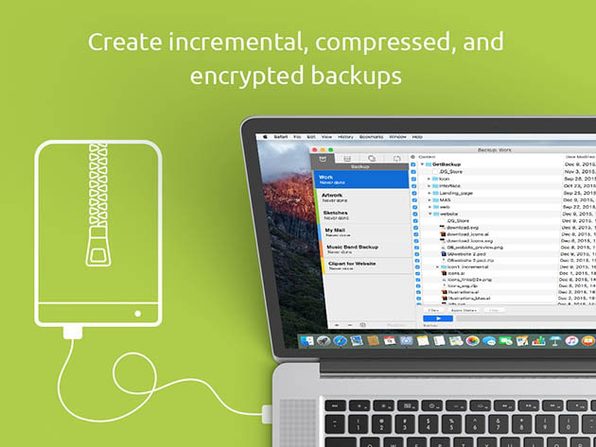
Use Get Backup Pro to make a copy of your data. Created backups are incremental, which means that only the new files that were not present during the original backup are copied. In each subsequent backup, thanks to using hard links to the original files, the backup folder looks like a full backup, but takes very little additional storage space over the original.
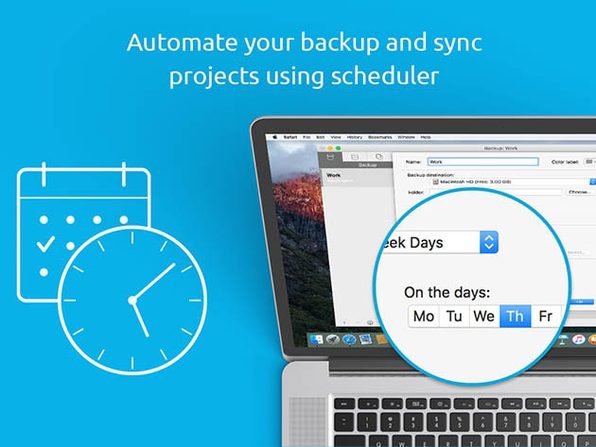
Create backups using templates for iTunes, Mail, Contacts, Documents, and Photos. Set up backup encryption and automated backup schedule.
- Secure Backup Archives the Easy Way
Choose between a full or incremental backup archives, and even encrypt it using AES-128, AES-256, Blowfish, or Triple DES. Just set up an automated backup schedule and choose to archive your files to an external disk, network volume, or CD and DVD, and let Get Backup Pro keep your data safe. Later, restore archives on any computer without having Get Backup Pro installed.
- Bootable Backups via Cloning
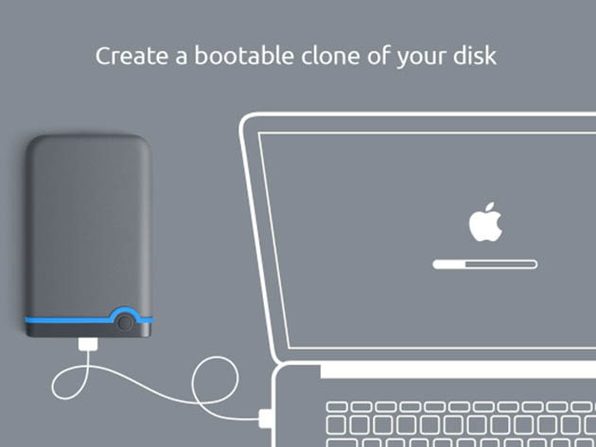
Migrating to a new disk has never been easier or faster. With the cloning feature, clone your disk volume to get a backup disk that can be booted up at any moment, whether you have new APFS or traditional HFS+. If the disk in your Mac fails, just take it out and restore from clone to get back to work without losing any time. Or, if you’re waiting for a new disk, boot up using the clone as an external drive. Say goodbye to long, tedious restore processes!
- Keep Folders in Sync
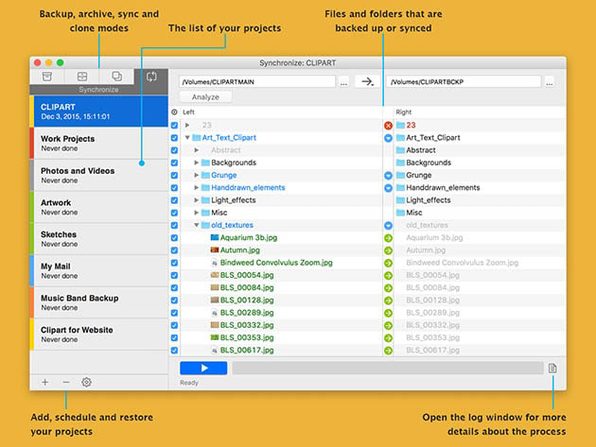
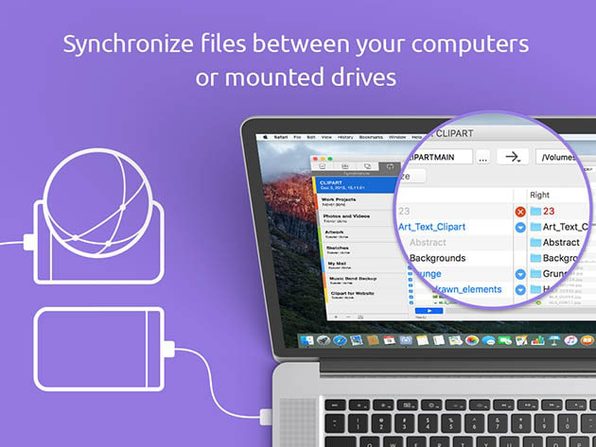
Synchronize files and folders on your Mac with another computer or mounted drive using the sync features. Sync in one direction or update files in both locations using bidirectional synchronization. As with backing up files, sync projects can be scheduled to run at a certain time on any day, so Get Backup Pro does the work for you.
Specification Features
Backup
- Created backups are incremental and use hard links to the original files, allowing each subsequent backup look as a full backup, but take less additional space.
- Create incremental backups to a disk image.
- Data backup easily handles large backup size.
- Set up disk image encryption.
- The app can automatically delete older backup versions to save space.
Data Archive
- Create full and incremental backups.
- Backup compression reduces the size of the resulting backup archives by 10-60%.
- Password protect your archives using one of the encryption methods (AES-128, AES-256, Blowfish or Triple DES).
- Write your archives to CD or DVD without using third-party applications.
- The ability to create multi-volume backups lets you write large archives to multiple CDs or DVDs as well as quickly upload them to servers via the Internet.
- Utilizing standard UNIX technologies allows you to restore backup archives on any computer, without Get Backup Pro installed.
File and Folder Synchronization
- One-way or two-way synchronization.
- Analyze functionality allows to quickly define which files or folders will be synced.
Disk Cloning
- Use the Cloner to create bootable backups to get back to work after a crash with absolutely no delay.
- Backup incrementally after the first initial cloning to save you time and disk space.
- Clone any disk volume whether it be a system disk or a volume on external hard drive. Both APFS (Apple File System) and HFS+ (Mac OS Extended) are supported.
General
- Create multiple backup/sync projects with different schedules.
- Start process (backup, cloning, etc.) when mounting an external drive. This new option can work in conjunction with the option to run on a schedule.
- Supports auto-mounting network volumes (sources and destinations) and unmounting them when a backup is completed.
- Restore files back to their original place, or to a location of your choice.
- Templates for Apple Photos, Mail, iTunes, Contacts and the Documents folder.
- Exclude selected files and folders from a project list.
- Exclude files from the backup/sync by name and/or file type.
- Brief and detailed logging of the processes.
- System Notification Center supported.
Important Details
- Single License
- Device per license: 1
- Length of access: lifetime
- This plan is only available to new users
- Redemption deadline: redeem your code within 30 days of purchase
- Access options: desktop
- Software version: 3.6.3
- All update of version 3 are free. Upgrade to version 4 may require upgrade fee
System Requirements
- macOS 10.10 or higher, Big Sur compatible
User Reviews
Be the first to review “50% off Discount – Get Backup Pro 3- All-in-One Software for Mac — Back Up Data, Clone Your Disk, Sync Files/Folders, Encrypt & More”

$9.99


There are no reviews yet.