
 yooffers
 Description
With this powerful video downloader, you can download videos from tons of websites, including YouTube, Vimeo, Dailymotion, Facebook, TED, Instagram, Twitter, Metacafe, Lynda, Veoh, Break, VEVO, etc. Easily and quickly save TV shows, movies, video tutorials, music videos, reviews, etc. for offline access or playback on mobile devices!
Easy Download Methods: Copy and paste URL to save a video or enable the Detection to let the program download online video automatically when you play it.
Save Full Playlist and Channel: Download all the videos from a YouTube playlist or channel or select only some to download at one time with a single click.
Download Video to MP3: Extract MP3 audio track from the online video directly without downloading the entire video.
Download HD Video: High definition videos like 720P, 1080P, 4K, and 8K videos can be smoothly downloaded without any problems.
Convert Video and Audio to Play Anywhere
Video Keeper can also serve as a complete video converter program. It allows you to convert downloaded videos and audio files effortlessly to any regular format with no limitations or quality loss. In that way, you can play and enjoy the downloaded videos anywhere you like.
Convert Video and Audio: A range of video and audio formats are well supported, including WMV, AVI, FLV, MP4, MOV, MKV, VOB, MP3, WMA, WAV, AAC, OGG, etc.Convert for Devices: Convert video with optimized settings for iPhone, iPad, Apple TV, Android, Samsung, Sony, LG, HTC, Blackberry, etc. for a better playback experience.Edit Video and Audio: Edit video and audio files by trimming, rotating, cropping, adjusting brightness, adding text, inserting subtitles, etc. as you need.
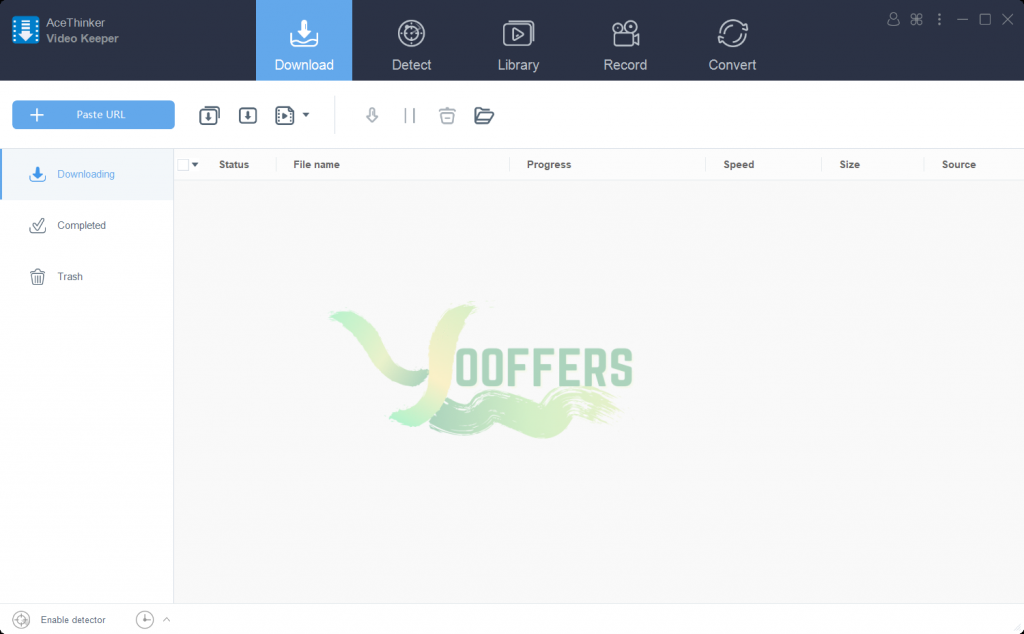
Specification Features
Record Screen – Record live streaming video and anything else on your computer screen to high-quality video.
Video Library – A video library is there to provide the most recent, recommended, and popular videos for you.
Add to iTunes – After a video or audio file has been downloaded, you can directly add it to iTunes.
Built-in Video Player – There is a built-in media player you can use to play video and audio in different formats.
Batch Download – Download multiple videos simultaneously and pause or continue the download at any time.
Ultra-Fast Speed – Download videos as fast as possible with advanced technology to give you a better experience than ever.
How to get License Key for free ?
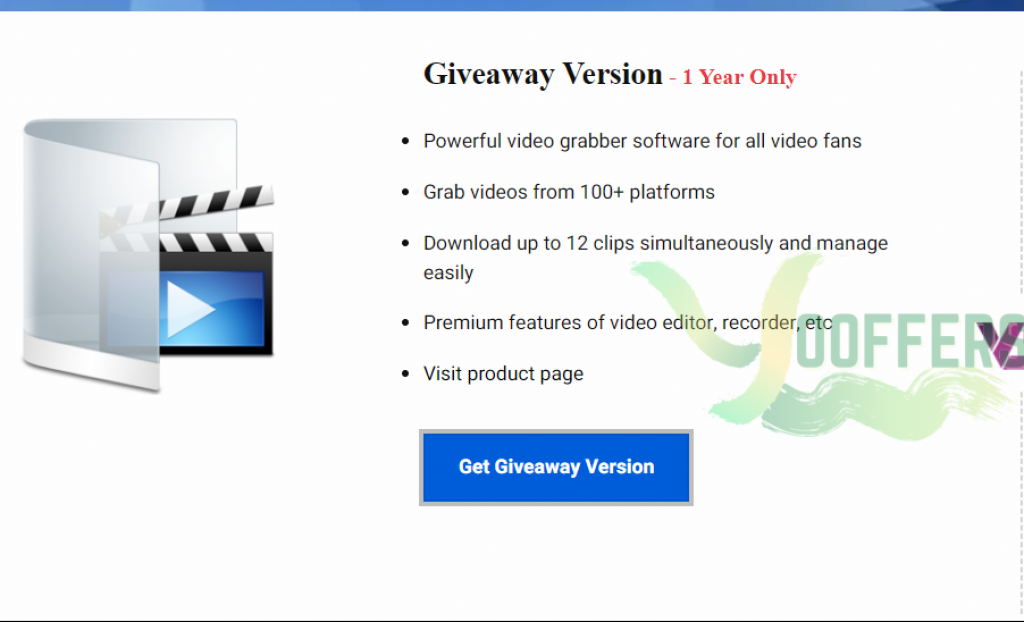
1. Visit Giveaway Page
2. Click button Get Giveaway Version & you will get a license code
3. Click button ‘Get this item’ to Download installer
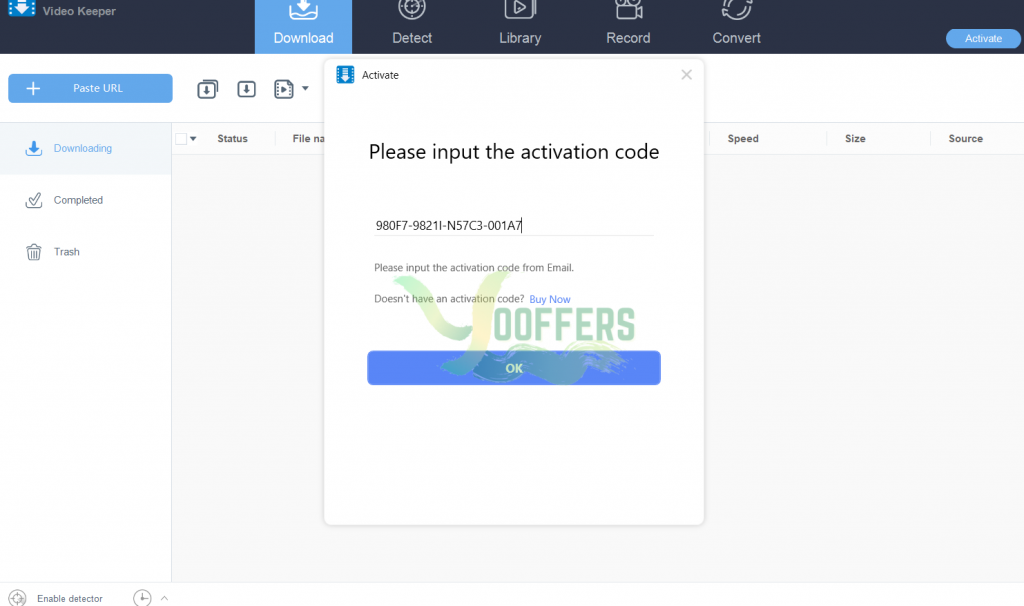
4. install and use your License Key
5. Done