
 yooffers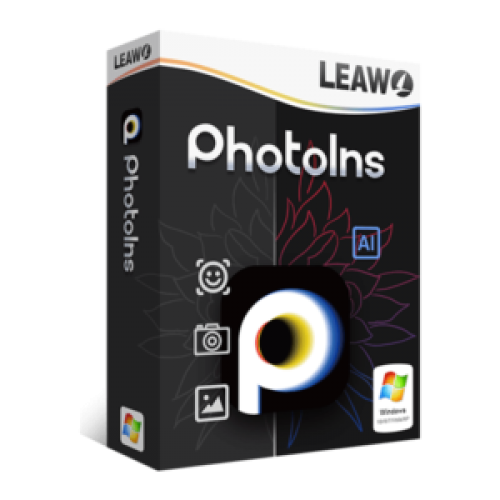
Leawo PhotoIns Pro - 1 Year (Giveaway)
$0
$29.95
Last Day
-
- In this offering box, click on the 'Get his item' button and you will go to the registration page by LEAWO
- On this registration page, fill in the form with your first name, last name, & email address.
- Click on the 'GET IT NOW' button and you will get the license code on the next page.
- Download the software from our deal page above on the download section
- Once downloaded, install it and launch the program after installing it.
- On the main interface, click on the 'PRO' button in the top-right menu
- Enter the registration code you've received and click on the 'paper plan' button
- Done. the module is activated. Enjoy the full features
- To see the length of the license period, you can click again on the PRO button on the top-right menu.





