

(Giveaway) Tuneskit Screen Recorder – Lifetime License Key -record video and audio from the screen, microphone, or webcam
 yooffers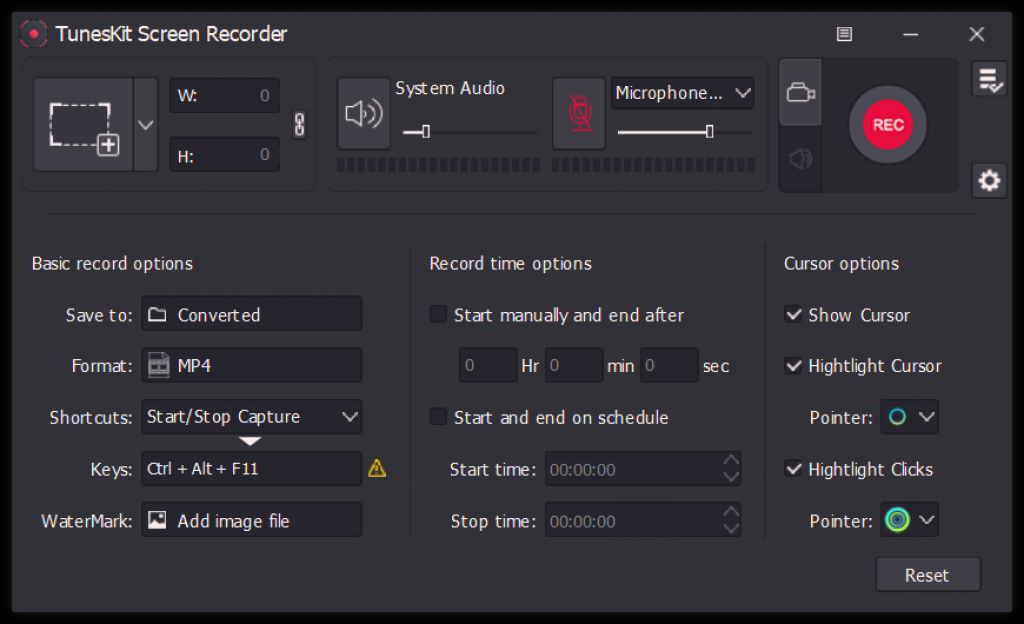
Description
Screen Recorder offers you to record video and audio from the screen, microphone, or webcam. With it, you are able to record screen video along with audio, or even mute the sound. Besides, you can capture merely audio, either system sound or microphone audio, or both at the same time. Furthermore, Tuneskit Screen Recorder allows you the ability to save recordings on the computer in many formats such as MP4, M4V, MOV, MKV, WMV, MPEG, 3GP, WebM, 4K HD videos; MP3, M4A, M4B, AAC, FLAC, WAV, and many others.
Specification Features
- Capture videos play on your PC, such as video calls and YouTube videos
- Record screen video and audio separately or simultaneously
- Work well as a screenshot tool, output high-resolution recordings
- Convert recorded video to any format without watermark.
How to get License Key for free ?
1. Click btton ‘Get this item‘ Download the install for Tuneskit Screen Recorder
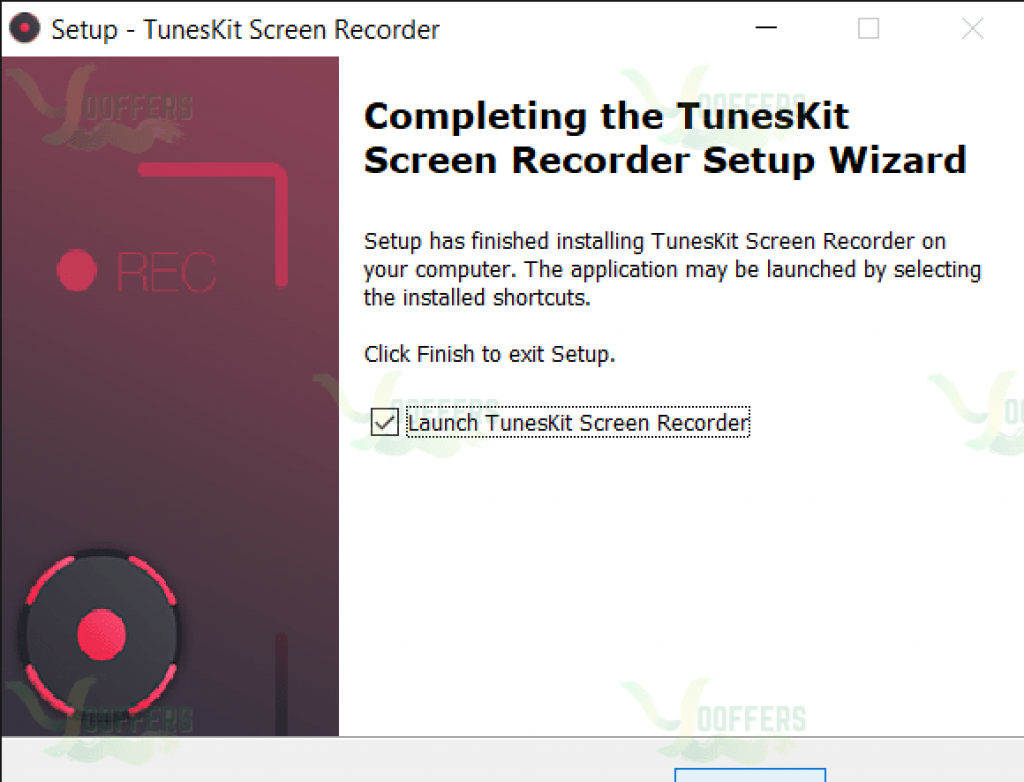
.2. To register TunesKit Screen Recorder, go to MENU -> Register from within the main program window. Use the below license key:

License email: (any email)
License code: 15079b12b9480f1a7213af642396ff1cc1ad0ffd98
3. Enjoy , Full Features
Giveaway Tuneskit Screen Recorder (License Key)
- This is a 1-computer lifetime license
- Non-commercial use
- No free updates; if you update the giveaway, it may become unregistered
- No free tech support
- You must redeem the license key before this offer has ended





