Offering support for all popular video and audio formats. In addition to supporting a wide range of formats, you will find a number of ready-made output quality settings for each format, both for video tracks and audio tracks. You can easily select not only the appropriate format but also the quality needed for playback on the selected device.
Whether you want to play the converted video in the highest possible quality (4K) or in a format suitable for playback on a DVD player or on the mobile phone’s display, you don’t have to set up it.
program allows basic video editing and before the conversion itself, you can cut out video, crop, mirror, or rotate 90 ° parts of the video, adjust the contrast, brightness, color, volume, and video playback speed. You can also insert a watermark into your video and attach a subtitle file.
specification Features
Convert Media Files to Over 50 Formats And Devices
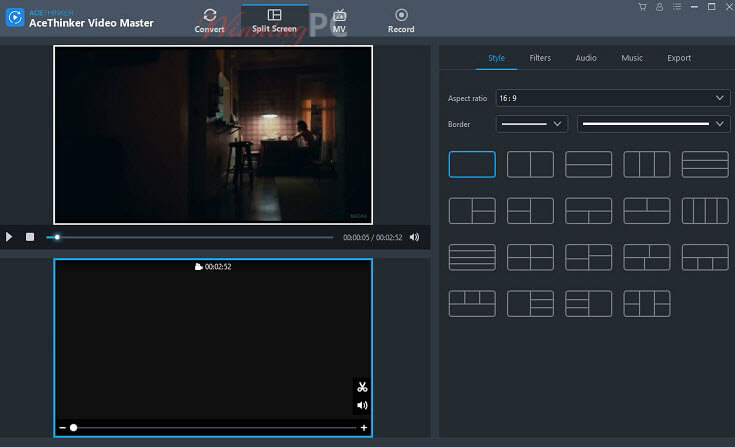
Split Screen – Combine multiple video clips into the same frame
Record Videos in High-Quality on Screen
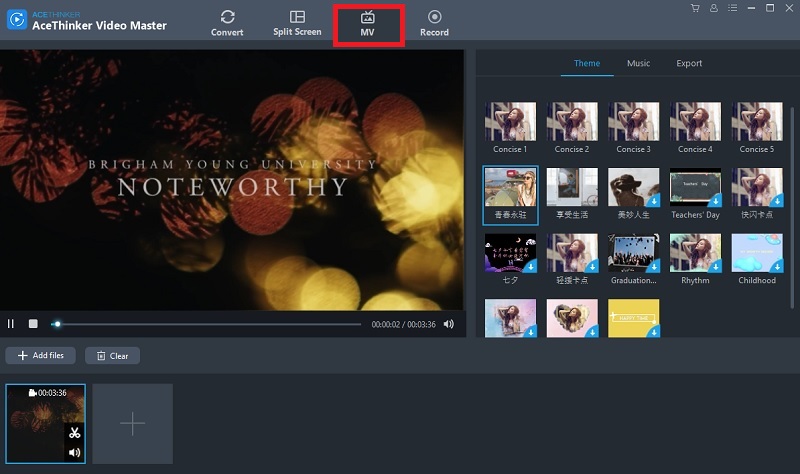
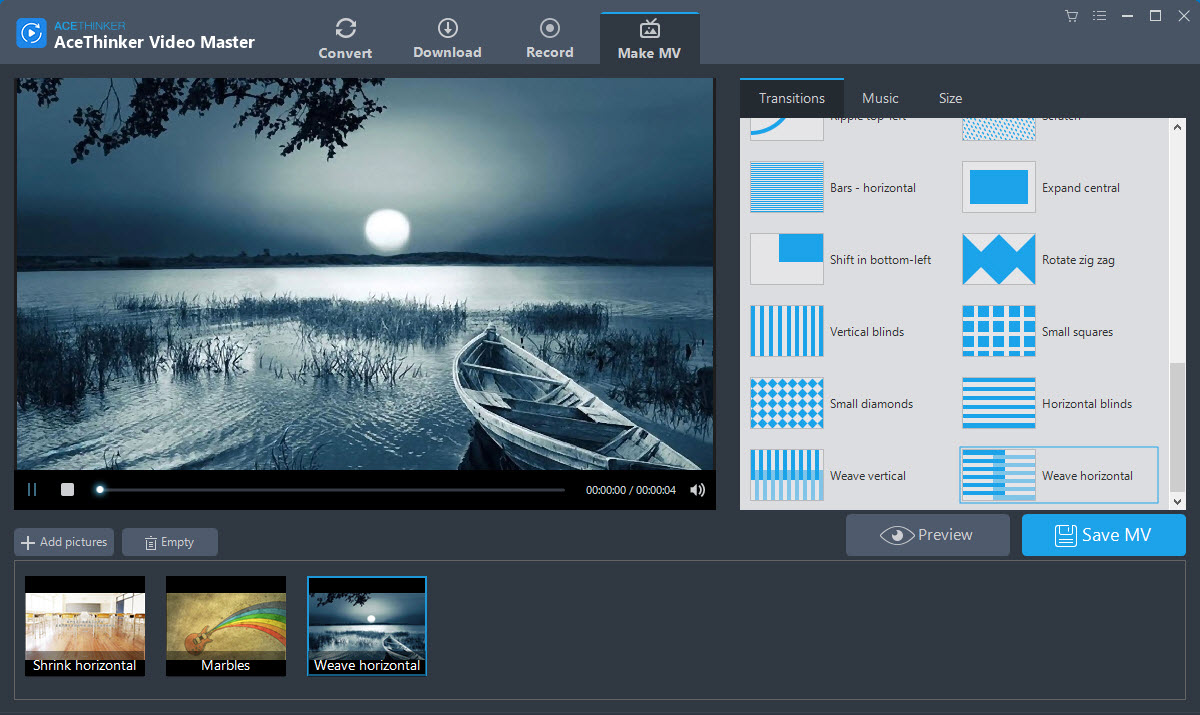
Video Editor: A series of useful editing features, including joining clips, trimming, cropping, rotating, applying effects, editing subtitles, adding watermarks, and so on.
Cut or Combine: Cut a long video into several parts or combine several videos into one long movie.
Crop: Easily crop unwanted parts of the video, such as the black border around the movie, and make the video focus on the important parts of the screen.
Effects: Make your home movie stunning and filmic by setting the contrast, brightness, and saturation.
Rotate: Rotate your video with one simple click.
Watermark: Add both text and image watermark.
Subtitle: Add local subtitles to play with your movie. If you are not satisfied with the subtitles, the built-in subtitle editor allows you to edit the font, effects, and position.
How to Install
In this offering box, click on the ‘Get this item’ button and You will download the installation file
Once Downloaded, install it & launch the program after installation
In the main interface, click on the ‘ACCOUNT’ icon and the Log-In window will be displayed
If you have an AceThinker account, please log in. Enter your email and the password.
If you don’t have it, please register an Acethinker account.
Once logged in, click on the ‘Activate VIP’ and use the following activation code:
– License Key #2: 55250-4261Q-OE7HC-821D9
– License Key #1: 8A4EA-08413-O2F9Y-9304E
Done. Enjoy the full features
System Requirements Windows OS:
Supported OS: Windows XP/7/Vista/8/8.1/10 (32-bit/64-bit)


 yooffers