The one-click optimization “PC-Check” analyzes your computer and lists data garbage, performance breaks due to incorrect system settings, data protection problems, and errors in the registry.
If desired, the tuning tool automatically corrects problems in the background at the desired intervals (silent mode). Real-time system protection also works invisibly and ensures that the set standard browser is not changed or that unsolicited entries are created in the system start.
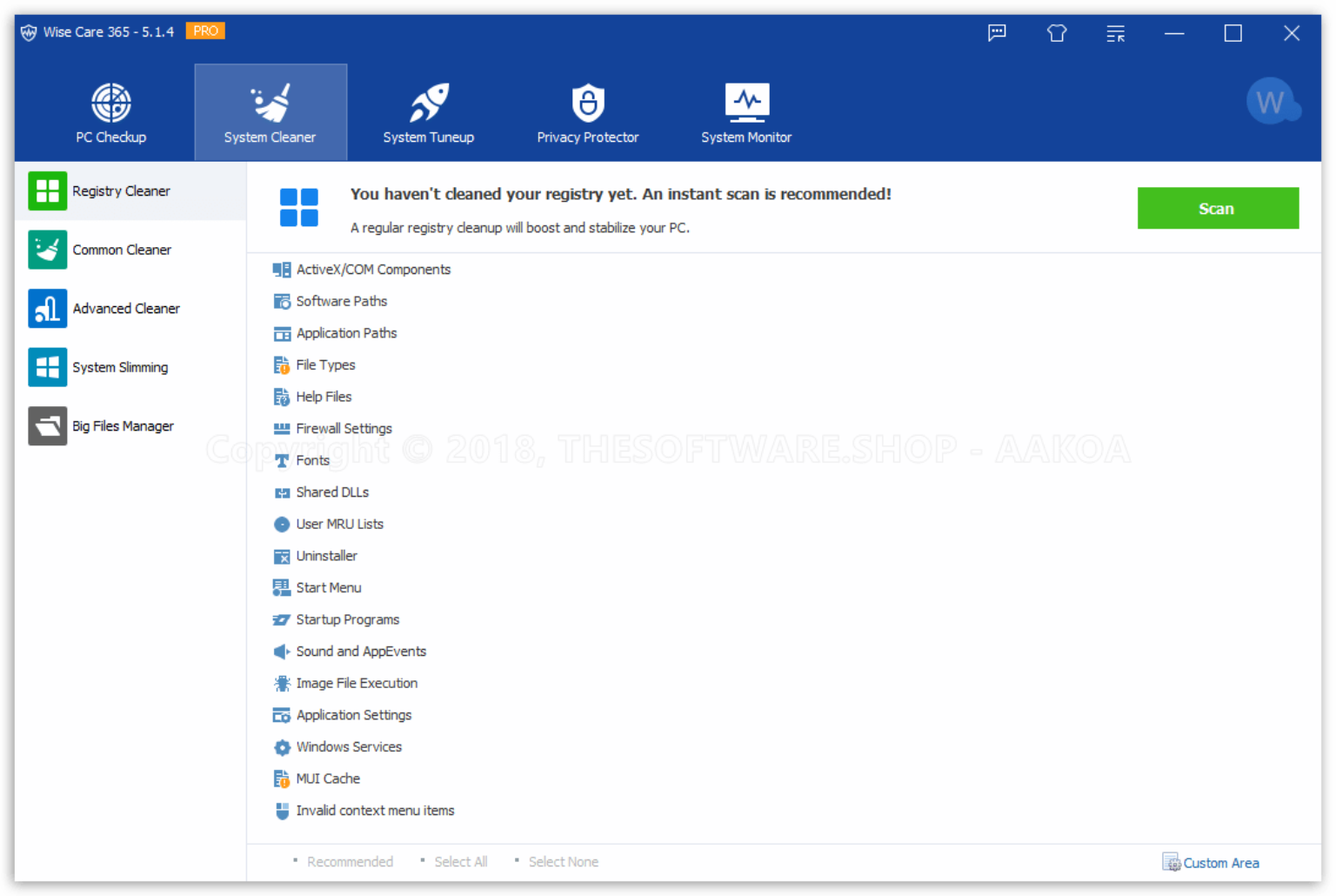
“Care” means care – and you can add it to your operating system with just a few clicks. This works by deleting garbage data both in the file system and in the registry. You defragment the latter, which even makes sense when installing Windows on an SSD. Extras are not neglected, including reading out basic hardware data
It is possible to automate maintenance work so that you don’t have to lift a finger in the future: You can either use one-click maintenance or configure a scheduler.
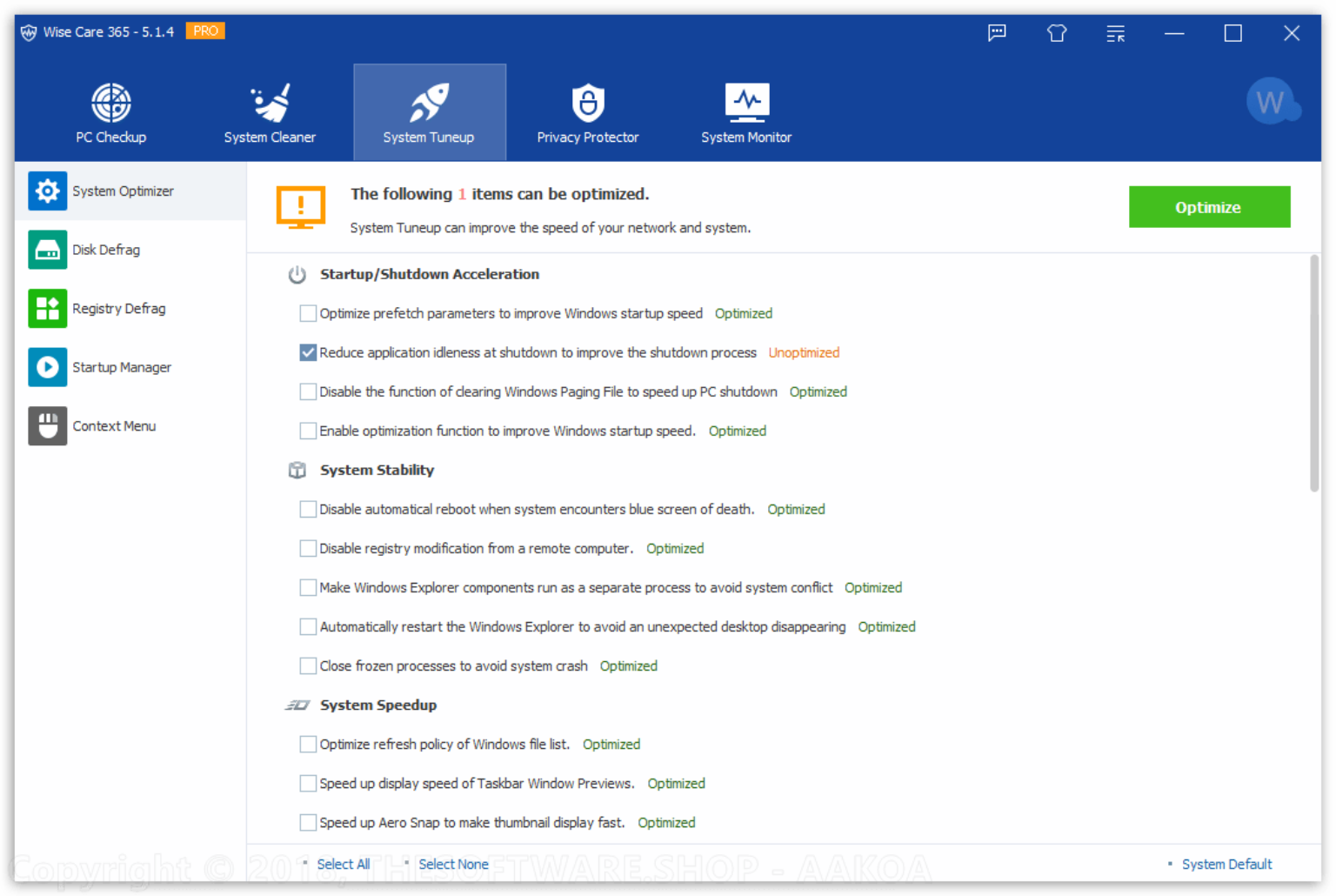
With “Wise Care 365 Pro” you can also improve the startup speed of your PC via the integrated “Startup Manager”. You can also switch start programs or services on and off.
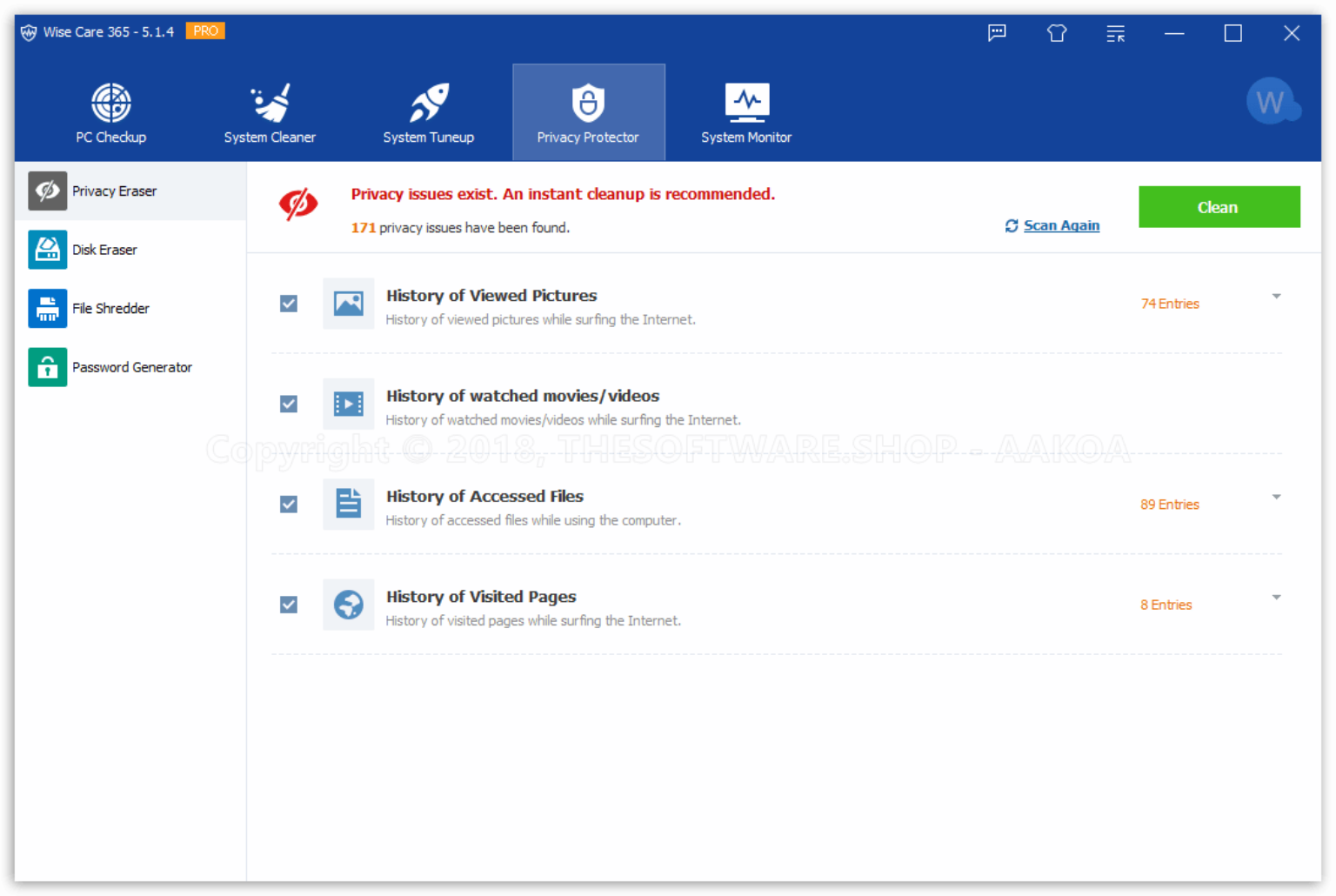
The free version of “Wise Care Pro” also pays attention to your privacy. With the system tool, you can not only clean the cache or history folder of popular browsers from Google Chrome to Firefox, but also delete information from films and videos viewed on the Internet, file downloads or websites visited.
The tools for clearing out and defragmenting your hard drives, the password generator, a file shredder, and a context menu manager are useful.
Specifaction Features
Add the new feature system protection
Add some third-party software cleaning
Improved the usability of Wise Turbo
Add support centre to solve your issue timely
Provided PC Checkup
Combined Wise Registry Cleaner and Wise Disk Cleaner
Provided Wise bootup booster
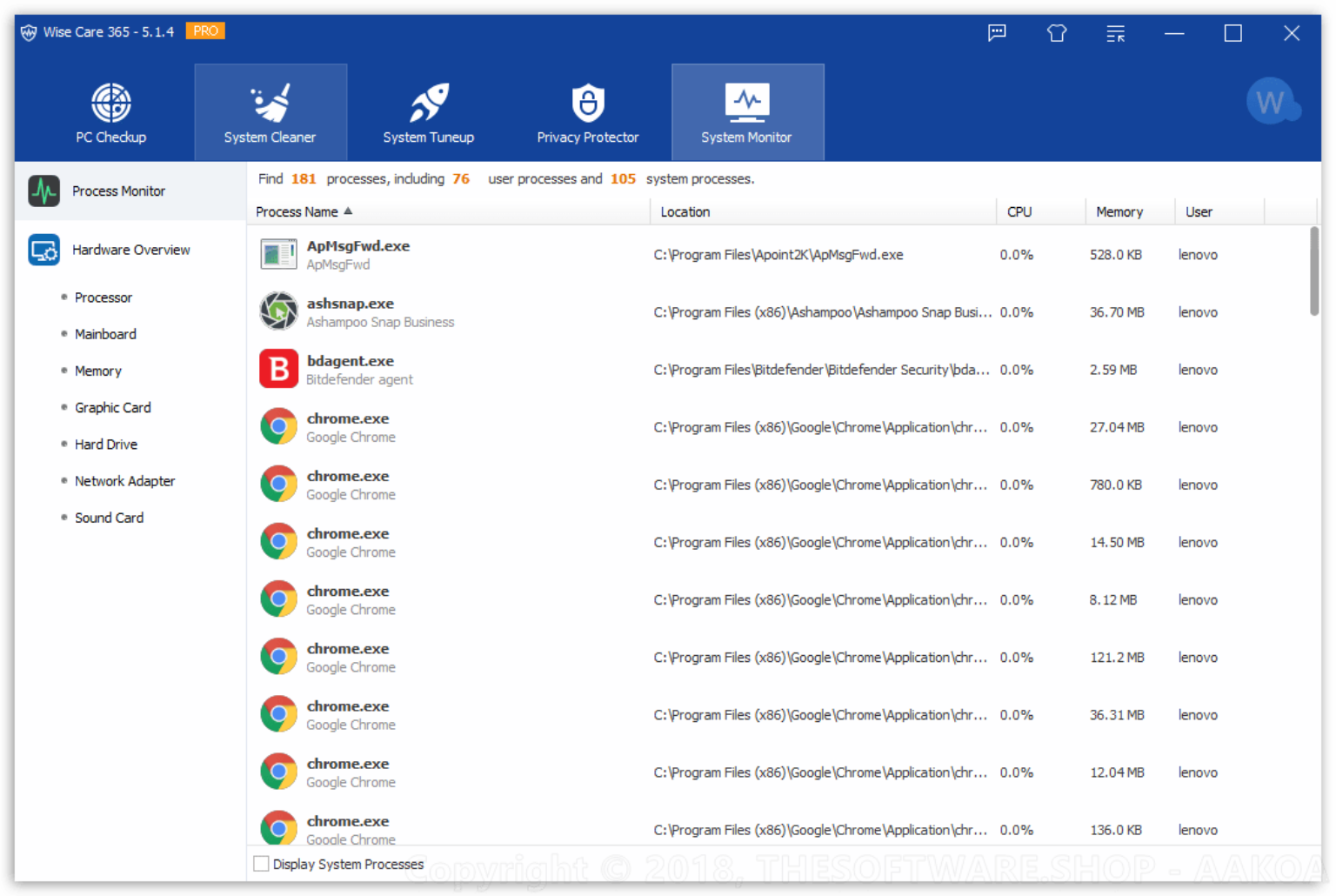
Provided Process Monitor.
Provided Hardware Overview.
Able to fix all problems with just one click
Able to show you the local temperature and hardware temperature.
Able to help you speed up your PC at boot time
Provided Startup Manager to manage startup & services
Provided Privacy Protector (such as Disk Eraser and Password Generator) to protect your personal information
Provided Wise Utilities to collect all Wise products (such as Wise Data Recovery)
Supported multiple languages, such as English, French, Italian, Japanese, Spanish, ect.
List the utilities you usually use in the right column according to your use frequency.
Supported Backup and Restore
Provided portable version
Supported Scheduler.
Supported Exclusion
Provided various skins and avatars. Even you can custom theme.
Provided automatic updates for Pro users
Provided 7 x 24h free technical support for PRO users
Key features – Wise Care 365 PRO v5
PC Checkup – PC Checkup uses 10 as the full mark to rate your PC and show you its health status. You will be clear about your PC’s issues at one glance and fix them with one click.
System Cleaner – System Cleaner cleans invalid registry entries, useless files, download history, browsing history, form history, invalid shortcuts, traces, cache, cookies, passwords, Windows components, files with specific extensions and slims down your system.
System Tuneup – System Tuneup speeds up the system, defrags registry and disk, and manages startup and service.
Privacy Protector – Privacy Protector erases browsing history, erases the disk, shreds files forcibly, and shows the security degree of your password. Prying eyes have no ways to get close to you at all.
System Monitor – System monitor can not only monitor the process but also display the detail pieces of information of your hardware such as mainboard, graphic card, memory and so on.
System Protection – System Protection can take prompt action once some applications attempt to make modification without your permission. This protector will identify and stop any processes that try to secretly change Windows registry.
How to Install
In this offering box, click on the Get this item button and you will download the installation file
Once downloaded, run the installation file & install it on your PC.
After installing it, Launch the program and enjoy the full features!
It includes a pre-Activated Key so you don’t need a serial number



 yooffers