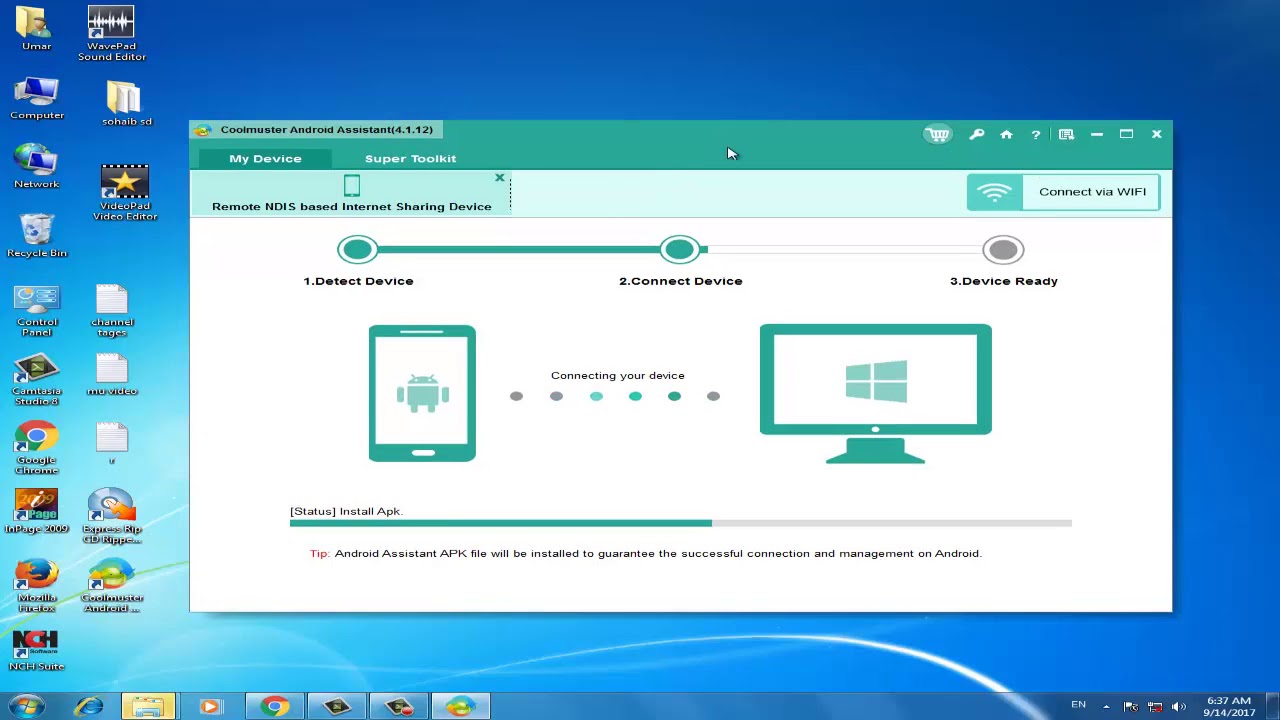
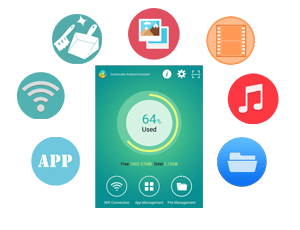
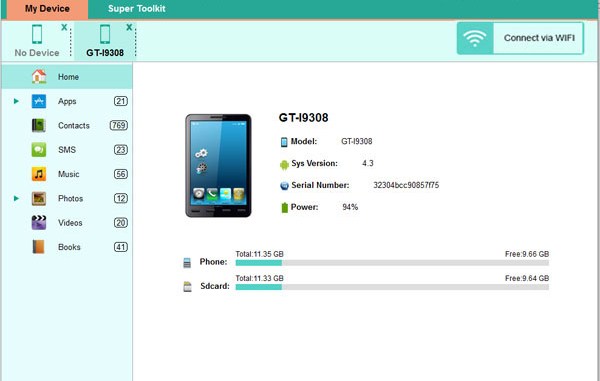
Keeping a backup of your Android data on the computer is regarded as the best and most efficient solution to safeguard your Android files. So whenever you need to transfer Android files to computer, you can pick up the best Android File Transfer tool – Coolmuster Android Assistant to help you transfer everything from your Android phone and Android tablet to PC or Mac computer, such as contacts, text messages, photos, videos, music, apps and more.
Coolmuster Android Assistant is a professional Android managing program for Android users to manage Android contacts, text messages, media, apps, etc. freely on Windows PC. Just end your life of group text messaging or adding contacts one by one manually on your Android phone with this Android Assistant. Experience a new texting way here and better manage your contacts on computer.
If you are an app enthusiast and media fancier, This Android Assistant will be your must-have tool because it features with all powerful functions that make you fully enjoy entertainment on the go. Instantly download & install your favorite apps on your computer and export them to your Android SD card with a click. You can backup all or selected apps from your Android to the computer or uninstall useless apps quickly from the computer.
Specification Features
Backup & Restore your Android data includes videos, photos, music, contacts, SMS, apps, etc. from Android phone or tablet to the computer.
Connect your Android device to the program via USB cable or WiFi.
Send SMS on computer and perform group texting at once to save time greatly.
Manage Contacts: add new contacts, delete useless contacts, edit existing contacts and unduplicated contacts on computer conveniently.
How to Download
Click on the ‘Get this item’ button in this offering box and You will go to the registration page
In the registration page, fill in the form with your name & email address, and then click on the SUBMIT button
Once submitted, the license code will be shown. download the installation file here:


 yooffers