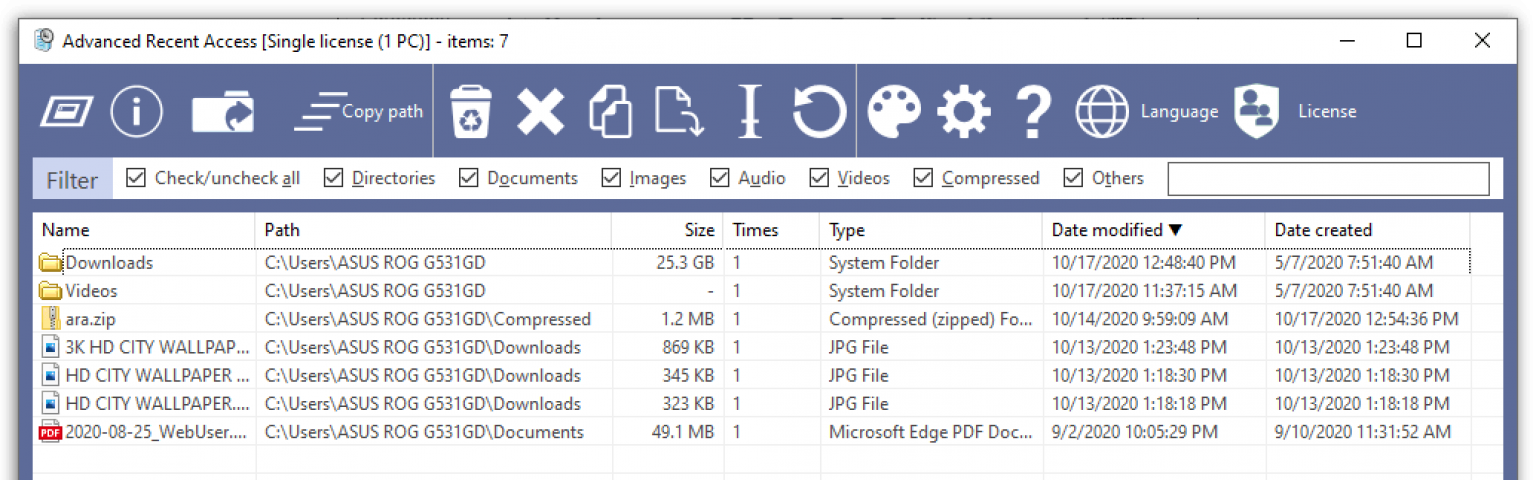
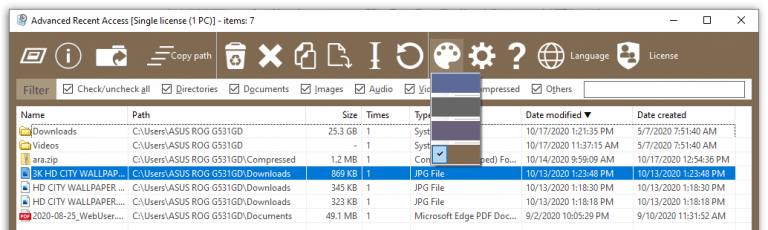
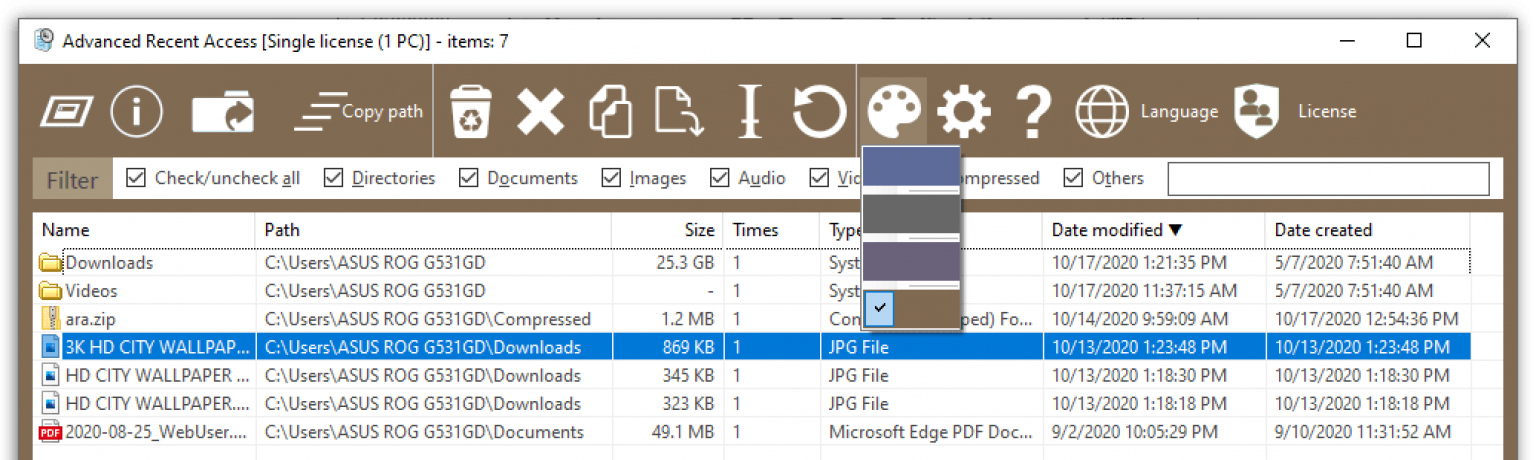
is designed to see and open more recently used resources (files and directories). And you can see more properties of the recent resources, such as path, size, type, date modified, and date created.
With This Recent Access monitoring software, you’ll be able to capture key gains in productivity and efficiency as you gaze upon all of your recent items, including details about file size, path, format, and more! Handy filters let you display only documents, images, video, audio, or compressed files. You can also use this handy tool to easily run, open location, or recycle any item on your list.
Shows Path, Size Type and Date Modified/Created
Automatically Records Accessed Times
Automatically Deletes Nonexistent Resources
Filters Recent Resources by Types
Automatically Remembers Order, Width and Sorting of Columns
Can Hide the Unwanted Properties
Supported OS: Windows XP/2003/Vista/7/8/8.1/10, 32 & 64-bit both
How to Install
In this offering box, Click on the Get this item button
You will download the installation file
Unzip the file & install the software
Launch Advanced Recent Access program
Press the ‘License’ icon => Input one of the following license keys:
Giveaway link: click here – last updated: July 6, 2021



 yooffers