Specification Features
PDF converting tool with multiple optional output formats like .doc, .xlsx, ppt, JPG, PNG, etc. with more language choice and super-high conversion quality.
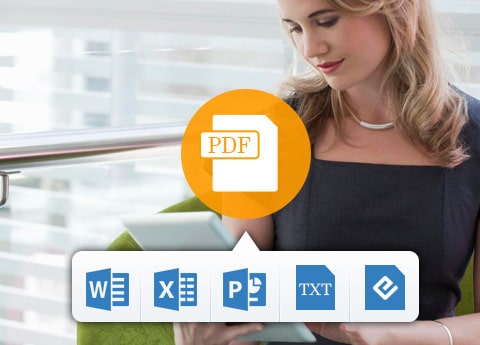
Especially with the OCR tech, the output files are more accurate. Also, supported output formats can be viewed on the specification images.
Convert any PDF to Word, Excel, PowerPoint and more Documents Formats on Windows 10/8/7 with OCR supporting
The PDF Converter is capable of converting almost any PDF file including protected PDF to many document formats including Microsoft Word (.doc/.docx), Excel (.xls/xlsx), PowerPoint (.pptx), ePub(.epb), HTML(.html) and text (.txt) and so on.
With the OCR technology adoption, you have options and right to choose the mode to convert aim PDF file from Accuracy, Balanced and Speed or select the language for the output documents. Note that if unnecessary, the language is recommended to be set as the original one.
The PDF converting software has blazing conversion speed without losing any information of the original file with preserving the original text, images, layouts, hyperlinks, tables, and graphics with high accuracy. So don’t worry about the conversion loss or the output quality. Moreover, the output editable documents files can also be adjusted with layout, text, image, etc. with ease.
Convert PDF to Various Image Formats like JPG, PNG, BMP easily with editor functions
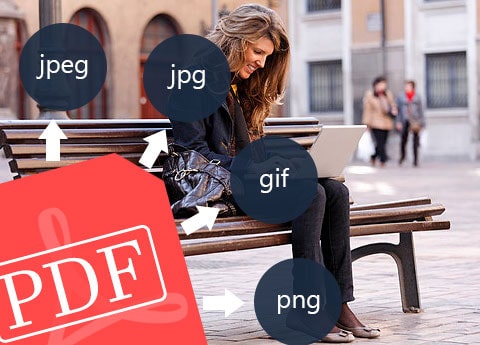
The PDF Converter Platinum version as the best Adobe Acrobat alternative, can export all popular image formats, like .jpeg, .jpg, .gif, .png, .bmp, etc. from any PDF file with no limitation and loss. All the information of the original file like the text, images and watermarks will be all kept. And when you convert PDF to image formats, you are also allowed to free adjust the output effect as well, such as size (pixel or DPI), color (colorful, grayscale or monochrome) and set the quality from 1% to 100%, etc. Besides, it has a powerful compatibility with both textual and non-textual PDF files.
Feel free to download this PDF to DOC, PDF to PPT, PDF to TXT, PDF to XLSX, PDF to JPG/PNG Creator with ease, and enjoy its powerful functions freely.
Free Page Range Options & Multilanguage Support
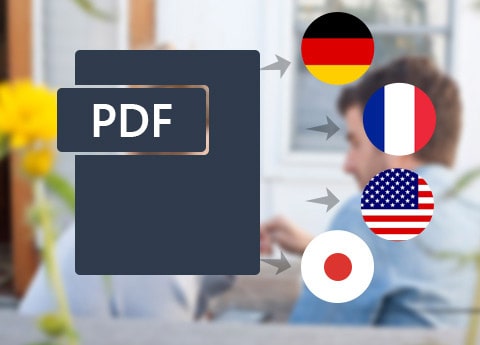
More language types make it possible for anyone to recognize and supported by this PDF Converter Platinum: English, Turkish, Thai, Latin, Korean, Greek, Slavonic, Japanese, and Chinese, covering all common languages. Therefore, almost any PDF document from all over the world can be converted through it.
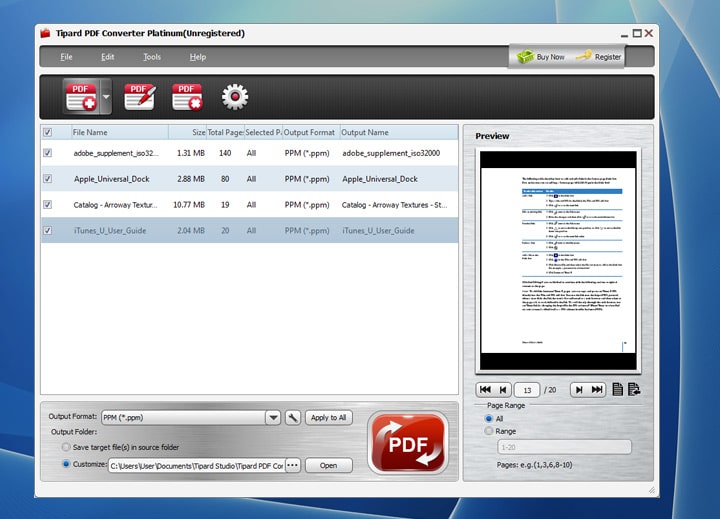
When using this converter to do some PDF conversion, you are allowed to choose the part that need to be converted according to your own wish. You may choose “All page” or “Current page” or you could directly enter the page number or page ranges in Arabic numbers.
Before you perform the conversion, you could preview the conversion result in the top right of the window to make sure that you will be satisfied with the output effect.
More Features
Rename
The converting PDF files can be renamed before outputting to differentiate with the original one.
User-friendly interface
The UI of this PDF converter is friendly and comfortable for you to easily grasp the conversion.
Batch conversion
It has a simple interface and allows batch conversion to convert PDF files to various documents and image
formats with one click
Play and preview before PDF conversion
You are able to play and preview all or specific pages of PDF files before converting.
How to install
- In this offering box, click on the ‘Get This Item’ button and You will go to the registration page by Tipard.de
- The page is in German, You may need a translator
- Fill in the form with the required data including your email address
- Give a check on ‘Ich habe die…’ and ‘I’am not a robot’ captcha
- Click on the ‘Absenden’ button and the confirmation email will be sent to your email address
- Open the email from tipard.de and click on the confirmation link
- Once confirmed, The registration code and download link will be sent to your email again.
- Download the installation file by click on the ‘Tipard PDF Converter Platinum SE Download‘ link in the email or here:http://www.tipard.de/downloads/pdf-converter-platinum-without-ocr.exe
- Install it & activate the program by using the registration code from the email you’ve got.
- Done. Enjoy the software


 yooffers